
What Makes Any Messenger Secure?
 Kartik Wadhwa
There is a fundamental choice to be made between ostentatious protection and true cryptographic security. But how can we distinguish between the two? Let’s set aside marketing slogans and take a closer look at the engineering behind the scenes: what technologies, principles, and promises are actually being used to ensure the security of our communication?
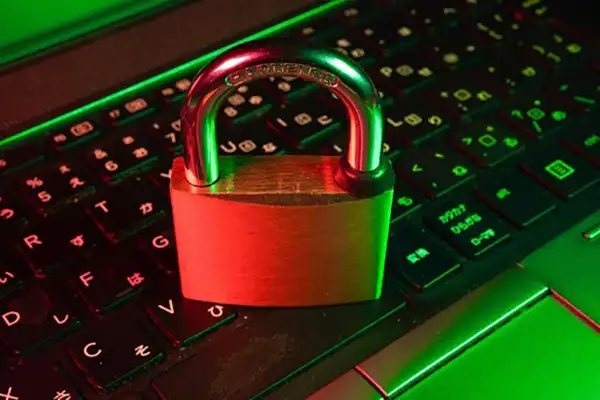
Messengers are a convenient and affordable way to stay in touch with family, friends, and colleagues at all times. Users trust these services with a wide range of information: photos, videos, documents, location data, and thousands of personal messages. However, if this data falls into the wrong hands, it can be easily used against our interests.
Secure messaging apps, like Nicegram, help users keep their private lives secure. It’s unlikely that anyone would want their correspondence about family, relationships, health, or finances to be seen by others.
Why Is Security Important?
Privacy concerns for the average user only threaten them, sometimes their loved ones or contacts. However, for companies that use messaging services for business communication, the risks are much higher. Using an insecure service for communication with employees can be risky:
- By stealing users’ personal information, hackers can steal full names, phone numbers, and email addresses of customers and publish them publicly.
- Confidential data leakage can lead to competitors gaining access to a company’s customer base, corporate developments, strategies, technologies, and other important business information.
- Unscrupulous employees can also steal data. Employees who have been dismissed but still have access to company correspondence can transfer it to third parties.
How Encryption Works
One of the most important ways to ensure the security of a messenger is through data encryption. End-to-end encryption (E2EE), in particular, ensures that messages are encrypted on the sender’s device and can only be decrypted on the recipient’s device. This means that even if someone were to intercept the message during transmission, they would not be able to read it, as they would need a key that only the users possess. With E2EE, the message contents are protected by the developers’ servers.
How to Choose a Safe Messenger
End-to-end encryption is an important factor in ensuring privacy, but it is not the only one. There are other things you should consider when choosing a secure messaging service.
- Check the open-source code. For open-source software, the source code is accessible for external review. Independent experts can examine the code for potential vulnerabilities or backdoors that developers may have left in order to circumvent their encryption system and access user data.
- Even if the service uses end-to-end encryption, it is likely that the messenger collects some metadata about users. This metadata is usually not encrypted and includes information such as who the user was communicating with, from which device, and their IP address. It is important to note that the less data an app collects, the better for user privacy. Information about what data the developer collects and how they use it can be found in the app’s privacy policy.
- Take a good look at the messenger settings and figure out what each option means. Enable the most secure settings for all necessary options. Note that some security settings may be located in different sections of the general phone settings (especially for iMessage on iPhone and Messages on Android) or in other subsections of the app (typical for Telegram).
Additional Account Security Tips
- Enable two-factor authentication. With a double security barrier, like logging in with a phone number and a password, it becomes more difficult for intruders to access personal information.
- Create a complex password. The best option is to generate a random string of 10 or more characters. A password manager can help you with that. It’s also a good idea to keep a secret code somewhere—it’s not safe to store it in notes.
- Be cautious with new contacts. Especially if they introduce themselves as a colleague, boss, or relative, but there is no prior history of communication. It’s best to contact them through another channel to avoid falling victim to scammers.
- Do not click on suspicious links, even if they come from a trusted source. Even in secure messengers, there is always a risk of phishing attacks.
Final Thoughts
Never forget about digital hygiene: even secure programs require simple data protection measures.
The draft has passed the initial review process. There are no spelling or grammatical issues that would cause concern for…
In the competitive business field, even a single wrong step can turn the tables from a profit-making firm to one…
QR codes are now a permanent way for small companies to communicate with clients. These scannable squares make it easy…
One of the most important factors that impact a business’s expansion and success is its ability to conduct successful promotions.…
This digital age has rewarded us with more information than we can manage. But you can’t use it just to…
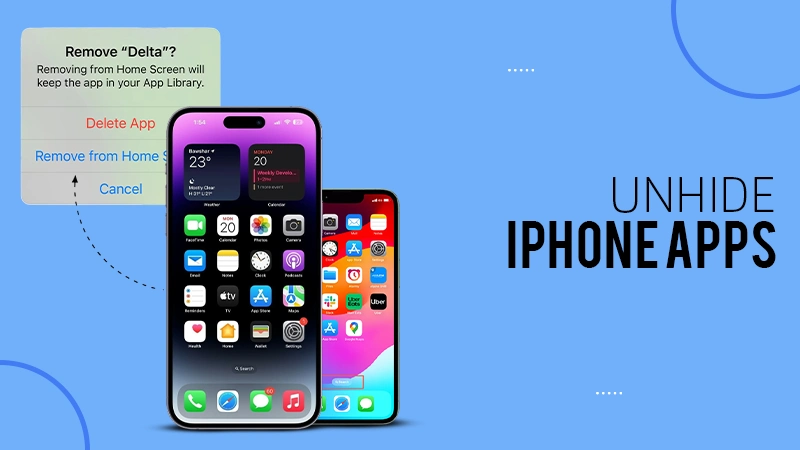
iOS 18 has launched so many new additions, but hiding iPhone apps has remained the talk of the town. Apple…
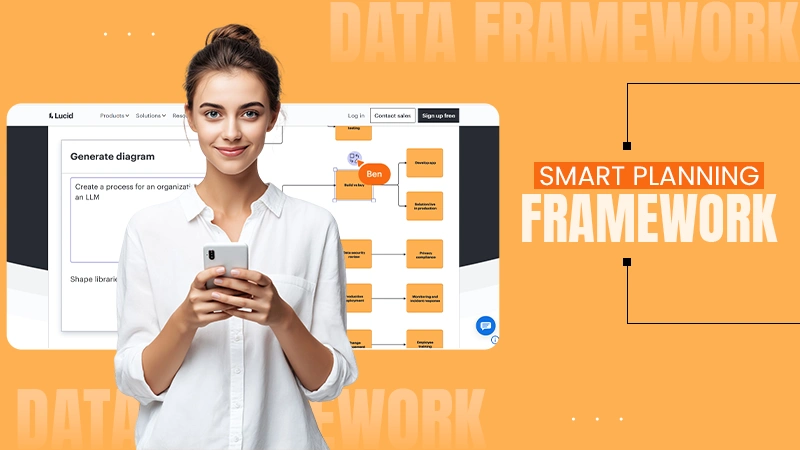
Planning often becomes inefficient, and the growth gets hindered—not because the teams do not have the ideas but because the…
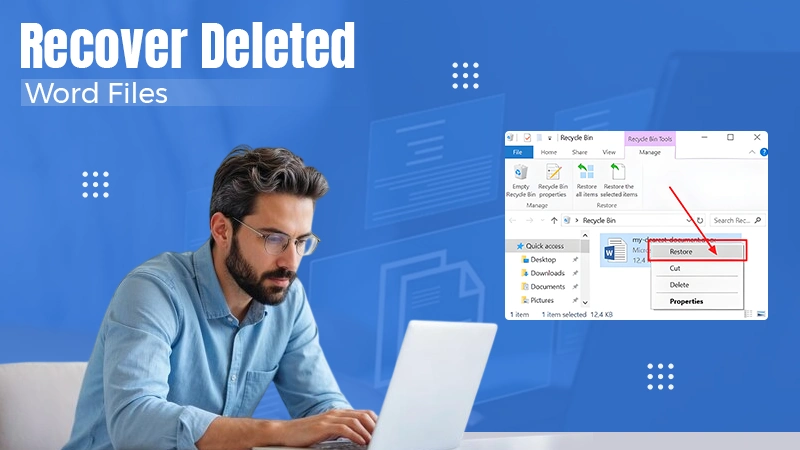
Tomorrow is project submission, and here you’re scouring every drive and folder for the document. All of us have encountered…
Why can I not connect to Wi-Fi on my iPhone? It is frustrating, but the good news is that most…