


An MCP (Model Context Protocol) server is a connector that allows AI tools to read from and act on an external system. In CI/CD, it provides coding agents access to pipeline status, build logs, and test results without requiring a developer to manually copy data between tools.
Best CI/CD Platforms for Coding Agents and AI-Native Development
CI/CD has changed its job because coding agents now write a growing share of the changes that reach a repository.
Pipelines validate a higher volume of machine-generated changes, give agents feedback to act on, and keep humans in control of what actually ships instead of just checking human-written code.
But every CI/CD platform can not handle it.
Some focus on making test feedback fast enough that an agent’s iteration loop doesn’t stall, while others expose pipeline data to agents through MCP servers.
This guide presents you with a comparison of six platforms with their capabilities that matter most for agent-based development, so you can match one to your stack and workflow.
What to Look for in a CI/CD Platform for Coding Agents
Five areas separate agent-ready platforms from conventional ones:
- Coding agent integration: Search for MCP servers, agent plugins, or native agent runtimes that let tools such as Claude Code, Codex, or Copilot read pipeline status, logs, and test outputs directly.
- Automated testing: Agents create more changes, so test selection, splitting, and flaky-test mapping matter more than raw test coverage alone.
- Fast feedback loops: An agent can solely iterate as fast as the pipeline reports back. Delayed builds become the bottleneck in agent workflows.
- Pipeline automation: Agents should be able to help generate, diagnose, and optimize pipeline configuration, not just keep the output.
- AI-native workflow support: Permission controls, approval gates, and audit trails keep agent actions reviewable and avoid an agent’s judgment from replacing important checks.
1. Semaphore
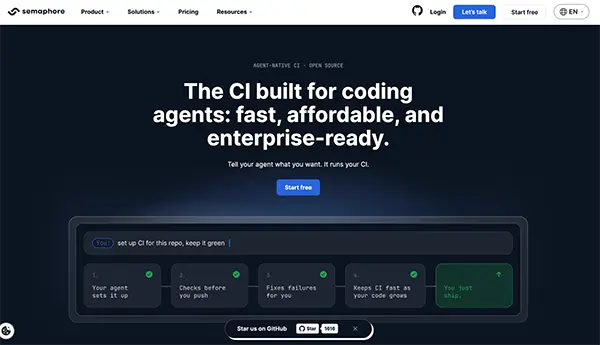
Best for: Teams that want CI designed around coding agents with usage-based billing.
- Coding agent integration: Semaphore offers plugins for Claude Code and Codex, plus an MCP server, so an agent can set up CI for a repository and connect it to the platform when requested.
- Automated testing: Agents can run variations in a production-identical sandbox before pushing, catching issues before they reach the main pipeline.
- Feedback speed: The sandbox is heated once and reused, so agents can run repeated checks during iteration instead of waiting on whole pipeline runs.
- Pipeline automation: Agents help diagnose failing builds and flag delaying steps and flaky tests as the codebase grows, keeping CI maintenance part of the workflow.
- AI-native workflow fit: The platform is open source and self-hostable, bills by usage with no per-seat fees, and provides SOC 2 Type II, SAML SSO, role-based access control, and audit logs.
2. GitHub Actions
Best for: Teams whose code, reviews, and issues already live on GitHub.
- Coding agent integration: GitHub Agentic Workflows, now in technical preview, let you define automation in Markdown that compiles into Actions workflows run by coding agents like Copilot CLI, Claude Code, or Codex.
- Automated testing: Matrix builds run test suites across several language versions and operating systems in parallel.
- Feedback speed: Checks run on every push and pull request, with outcomes posted directly on the pull request where agents and reviewers can watch them.
- Pipeline automation: Reusable workflows and Marketplace actions cut down the configuration agents and developers need to write.
- AI-native workflow fit: Agentic workflows run with read-only permissions by default, and write operations go through preapproved secure outputs. Check preview limitations before depending on them in production.
3. GitLab CI/CD
Best for: Teams that want source control, pipelines, and security scanning in one platform.
- Coding agent integration: The GitLab Duo Agent Platform has a CI Expert Agent for generating and debugging pipelines, and supports external agents such as Claude Code and Codex alongside external MCP servers.
- Automated testing: Test reports surface in merge requests, so failures are identical in the same place agents and reviewers work.
- Feedback speed: Merge request pipelines run checks before changes merge, keeping the feedback loop tied to each proposed change.
- Pipeline automation: A Fix CI/CD Pipeline flow diagnoses and repairs failing pipelines, and a separate flow converts legacy pipelines to GitLab CI/CD format.
- AI-native workflow fit: Admins can control which agents and flows are allowed and where they operate. The Agent Platform requires a Premium or Ultimate tier.
4. CircleCI
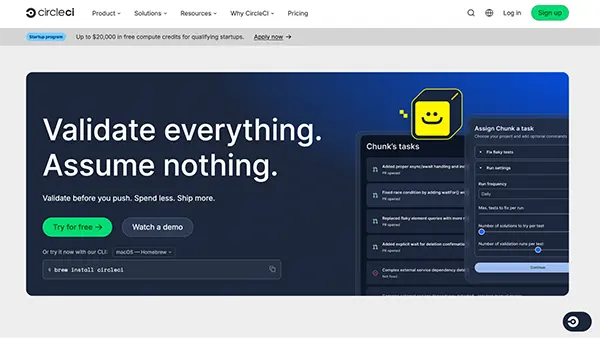
Best for: Teams focused on test performance and fast feedback at scale.
- Coding agent integration: CircleCI provides a hosted MCP server and an MCP built into its CLI, letting agents diagnose build failures, inspect pipeline status, and trigger pipelines.
- Automated testing: Smarter Testing features come with test impact analysis, dynamic test splitting, and automatic reruns of failed tests.
- Feedback speed: Test impact analysis runs only the tests impacted by a change, which shortens loops for frequent agent-generated commits.
- Pipeline automation: Agent skills provide coding agents with reusable instructions for common CircleCI setup and configuration tasks.
- AI-native workflow fit: The MCP server can surface flaky tests across recent runs, helping teams separate real failures from noise before an agent acts on them.
5. Buildkite
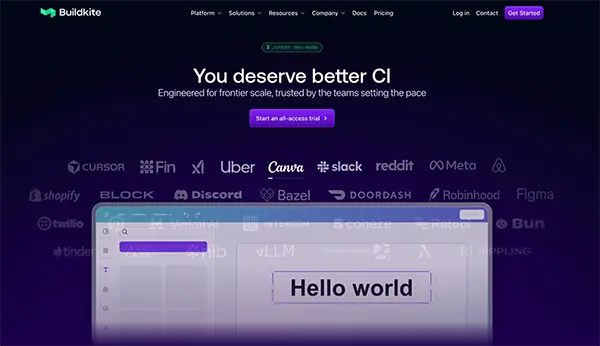
Best for: Teams that want to run build jobs on infrastructure they control.
- Coding agent integration: Buildkite offers remote and local MCP servers that expose pipelines, builds, jobs, logs, and test data to AI tools.
- Automated testing: Test Engine maps test results across runs, and its data is available to agents through the MCP server.
- Feedback speed: Self-hosted build agents let teams scale compute to match the volume of agent-generated changes.
- Pipeline automation: Dynamic pipelines can generate steps at runtime, which suits workflows where the work to run depends on what changed.
- AI-native workflow fit: A read-only version of the remote MCP server lets teams give agents visibility into CI without granting write access.
6. Azure DevOps Pipelines

Best for: Teams already working within Microsoft’s development ecosystem.
- Coding agent integration: The Azure DevOps Remote MCP Server, usually available since August 2026, gives AI assistants access to work items, pull requests, repositories, and pipelines.
- Automated testing: Test Plans and pipeline test results are available alongside builds, and the MCP server can reveal test plan data to agents.
- Feedback speed: Pipeline runs on pull requests report status back to the review before merge.
- Pipeline automation: YAML pipelines with environment approvals and checks control how changes move toward production.
- AI-native workflow fit: The remote server needs an organization backed by Microsoft Entra, which ties agent access to existing identity controls. A local server remains available for unsupported clients.
Keeping Agent-Driven Pipelines Safe
Whichever platform you finalize, a few guardrails keep agent output reviewable:
- Start with read-only access: Grant agents write permissions only for particular tasks that need them.
- Route changes through pull requests: Agents should propose changes in draft pull requests instead of writing directly to the main branch.
- Keep secrets out of agent jobs: Production credentials don’t belong in jobs that don’t need them, and logs and repository content should be treated as untrusted input, since prompt injection can steer an agent toward actions it shouldn’t take.
- Keep required checks independent: The same prompt can produce different answers, so required tests and human approvals should gate releases, not an agent’s verdict.
How to Choose
It is recommended to start from where your code lives. GitHub and GitLab users get the tightest integration from their native CI. Teams that have heavy test suites should consider test intelligence features like impact analysis and splitting.
Self-hosted runners and open-source options are best for teams that need infrastructure control. Prioritize platforms that treat agents as a main interference instead of an add-on if agents will drive most CI setup and maintenance.
Conclusion
More changes, faster iterations, and a greater need to keep humans in control of releases can be seen in agent-based development that puts new pressure on CI/CD.
Benefits of choosing the right platform are that agents are provided useful access to pipeline data, keep feedback loops short, and make every agent action reviewable. Confirm latest availability and plan requirements before committing to a specific integration, as the agents in this space change quickly.
Frequently Asked Questions
What is an MCP server in CI/CD?
Should coding agents be allowed to deploy to production?
Not without a real human permission. Agents work well for diagnosing failures and proposing fixes, but production deployments should stay behind essential checks and explicit approval.
How do I keep CI costs under control with agent-generated changes?
Implement fast checks before expensive jobs, consider test impact analysis or splitting where available, cache dependencies, and avoid pseudo runs. Review build minutes and machine sizes regularly, since agent activity can uplift pipeline volume even faster.
Do I need to switch CI platforms to use coding agents?
It is not important, actually. Most major platforms now offer MCP offers or agent integrations. Switching makes sense when your current platform’s feedback speed or agent support becomes a bottleneck.
Related Posts
Why Small Businesses Are Moving Payroll Processes Online
Do you know that 82% of small business owners work more than 40 hours a week and most of the…

Ecommerce Competitor Backlink Gap Analysis: A Data-Led Workflow
Ecommerce competitor backlink gap analysis helps a store identify websites that link to competing shops but not to its own.…

Using HeyGen AI for Sales and Customer Onboarding
It’s best to use HeyGen AI to create videos for you that answer a particular question or pain point. You…

Search Console Forgets Everything After 16 Months: How to Back Up Your SEO Data
After completing the period of 16 months, all the data and access are deleted from Google Search Console’s database. After…
Why Digital Transformation Projects Stall: A Resourcing Playbook for Project Managers
Digital transformation projects are on the rise at this time. From government-backed initiatives to enterprise cloud adoption and AI integration.…
How Email Hosting Providers Store and Protect Business Data
Where does your business email go when you click the send button? The impression is that the email just goes…

Mavlers Agency on Why Global Agencies Are Turning to Offshore SEO Teams
An offshore SEO team in India is becoming more and more an option for great profit for global agencies; it’s…

How to Change Signature in Outlook: A Complete Guide
How do you change signature in Outlook? It sounds simple until you realize that the steps vary across Windows, Mac,…
Best 7 AI Development Companies for Data AI Solutions for Your Project: Guide for…
Buying model work before the data work is the most expensive order to do it in. The pilot shows well,…