
Yes. This is a feature for enhancing user engagement and adjusting the loading speed accordingly.
10 Overlooked Website Features That Instantly Increase User Engagement
 Upasna Deewan
Updated on: Nov 27, 2025
Table of Contents
- Smarter On-Site Search That Guides Users Effortlessly
- Micro-Interactions That Add Life and Clarity
- Personalized Content Blocks That Adapt in Real Time
- Accessibility Enhancements That Improve Usability for Everyone
- Searchable FAQ Hubs That Empower Users
- Ultra-Smooth Mobile Navigation That Matches Real-World Behavior
- Speed Enhancements That Go Beyond Loading Time
- In-Context Feedback Tools That Capture Real User Insights
- Conclusion
- Frequently Asked Questions

User engagement is now one of the best signs of how well a website performs, affecting search rankings, sales, and repeat visits. However, many businesses still miss the small but effective features that help users navigate and enjoy a website.
These changes are not big redesigns or costly rebuilds; they are often simple tweaks that build trust, make things easier, and increase satisfaction.
The benefits are clear: research shows that even a small 10% increase in spending on user experience can result in an 83% rise in conversions, highlighting how important these small changes can be.
Below are some of the most effective but often ignored features that can greatly enhance user engagement when used wisely.
Continue reading to effectively implement these features and see a rise in user engagement on your website!
KEY TAKEAWAYS
- On-site search, personalized content, and an FAQ section are some basic features on a site.
- These features give accessibility to enhance users’ experience.
- Take feedback into consideration for additional improvements.
Smarter On-Site Search That Guides Users Effortlessly
Many visitors land on a web page with a clear objective—learn a detail, find a product, locate a resource—and the search bar becomes their shortcut. Unfortunately, weak search functionality is still common, presenting irrelevant results or no results at all. This instantly frustrates users and pushes them away.
A strong search engine does not merely display matching keywords; it anticipates user intent. Modern search should feel intuitive and forgiving, supplying helpful suggestions and making adjustments to imperfect queries. When done well, on-site search operates the same as a silent conversion engine—streamlining discovery and keeping users engaged longer.
Some of the most successful enhancements include:
- Autocomplete that predicts and quickly speeds up input
- Synonym recognition so users do not have to guess your terminology
- Search filters that narrow discoveries with precision
- Error-tolerant queries, which correct grammar mistakes or offer alternatives
Even small upgrades here can dramatically reduce friction and build trust.
Micro-Interactions That Add Life and Clarity
Micro-interactions are the tiny, just about invisible design details that most users never consciously notice—but always feel. They are the satisfying animation when adding a product to a cart, the slight button bounce when clicked, or the gentle shake of a form field when something’s typed incorrectly.
While subtle, they guide users, assure them that an action was successful, and make digital interactions feel more human. These small touches encourage engagement because they create responsiveness.
In a world where websites generally feel static or impersonal, micro-interactions act as emotional cues that reinforce momentum. They also help reduce confusion, particularly during important tasks like checkout or form submission. When thoughtfully integrated, micro-interactions make your website not only smoother, but considerably more enjoyable to use.
Personalized Content Blocks That Adapt in Real Time
Personalization has evolved far more than simply displaying a user’s name. Today, websites can dynamically modify entire sections—like recommended articles, banners, or product displays—based on what users have previously viewed or how they behave on the site.
This level of individualized experience keeps users engaged because it removes unnecessary choices and highlights what is most relevant to them. For an illustration, returning visitors might see a streamlined homepage that presents content similar to what they viewed before, while new visitors might see a broader introduction.
Past activity recommendations, location-based adjustments, and behavior-triggered prompts all contribute to a more intuitive browsing experience.
When done effectively, personalization maximizes user effort and increases the likelihood that they will stay longer, explore more pages, and return in the future.
Accessibility Enhancements That Improve Usability for Everyone
Accessibility is often seen as a checklist item, but in practice, true accessibility improvements elevate the user experience for all visitors—not just those with disabilities.
Sites that invest in better accessibility consistently see improved SEO performance, higher engagement, and stronger conversion rates. One recent analysis found that businesses that fixed accessibility issues saw an average 38% increase in conversions, which emphasizes how universal accessible design really is.
Many of the most impactful accessibility specifications are also the ones most frequently ignored, such as:
- Clear focus indicators for keyboard navigation
- Proper ARIA labels that help screen readers interpret content
- Contrast toggles or high-contrast modes for readability
- Logical heading structures to help both users and search engines
- Flexible text sizing options
When paired with professional Web Development services, these improvements become maintainable, scalable, and far easier to implement across an entire site.
Searchable FAQ Hubs That Empower Users
A surprisingly significant number of users prefer self-service help over contacting support. This makes a well-designed FAQ or support hub one of the most valuable engagement tools on a website. However, many FAQ sections are outdated, cluttered, or buried deep within the navigation, preventing users from finding the information they need.
A strong FAQ hub does not just answer questions—it reduces friction, boosts trust, and helps people resolve problems immediately. Adding elements like a categorized topic, a built-in search function, and intuitive expand/collapse sections makes the content more approachable and easier to consume. Even linking FAQs to deeper resource articles or product pages can route users more effectively through your site.
When users can help themselves effortlessly and confidently, they’re far more likely to stay, explore, and eventually convert.
Ultra-Smooth Mobile Navigation That Matches Real-World Behavior
Despite mobile traffic outperforming the desktop for many industries, mobile navigation remains one of the most neglected parts of web design. Users often struggle with overcrowded menus, tiny tap targets, and layouts that simply shrink the desktop experience rather than rethinking it for handheld use. This disconnect higher bounce rates, leads to frustration, and missed engagement opportunities.
Smooth mobile navigation begins with understanding how users actually hold and use their devices. Simplified menus, thumb-friendly layouts, and strategically placed call-to-action buttons can dramatically improve accessibility and comfort.
Even small touches—like sticky headers that keep key navigation features within reach or collapsible menus that reduce clutter—make a noticeable difference.
A mobile-first approach is not only about scaling down; it is about re-centering the browsing experience around the physical realities of mobile users. When navigation feels effortless, engagement naturally increases because users can focus on content, not on separating out how to move around your site.
Speed Enhancements That Go Beyond Loading Time
Most businesses understand the benefit of site speed, but they often limit their efforts to improving basic loading times. While that’s a crucial first step, true speed optimization begins with a deeper look into the elements that affect average performance across every page and interaction.
For example, using next-generation graphics formats (like WebP), implementing resource preloading, optimizing scripts, and enabling lazy loading can significantly accelerate the browsing experience.
These improvements ensure that users are not forced to wait for off-screen elements to load before they can interact with the page. Additionally, using a content delivery network (CDN) can mitigate latency for global audiences by serving content from the closest server location.
This level of optimization cultivates a sense of smoothness and responsiveness that keeps users engaged. A slow site feels outdated and unreliable; a fast site feels intuitive, modern, and trustworthy. When businesses invest in deeper technical enhancements.
It generally helps with the help of professional developers—they offer a browsing experience that feels seamless from start to finish.
In-Context Feedback Tools That Capture Real User Insights
Most websites rely on contact forms or email addresses for feedback, but these techniques require too much effort from users. As a result, valuable insights are lost—and so are potential opportunities to improve engagement. In-context feedback tools transform this dynamic by making it incredibly easy for users to share their memories at the moment they experience an issue or emotion.
These tools can present many forms:
- A quick reaction module at the end of an article
- A 1-click satisfaction survey after checkout
- A floating bug-report button that opens a short form
- Emoji-based feedback on content sections
Users are far more likely to participate because they require so little effort. This not only provides valuable data but also delivers users a sense of agency, strengthening their connection to the brand. When users feel heard—and witnesses to action taken based on their input—they develop a deeper sense of loyalty and trust.
Conclusion
User engagement is determined less by grand design overhauls and more by the small, thoughtful features that quietly contribute to usability across every interaction.
Each enhancement plays a strategic role in keeping users active, satisfied, and eager to return, from smarter search functionality and dynamic personalization to mobile-first navigation and richer feedback tools.
What makes these features exceptionally powerful is their subtlety: users rarely notice them consciously, but they undoubtedly feel their impact. You can uncover significant opportunities to elevate the user experience by auditing your website with these overlooked elements in mind. Furthermore, in a competitive digital landscape, improving engagement isn’t just beneficial—it’s essential for long-term growth.
Frequently Asked Questions
Is site speed a feature?
How to find personalized content?
Simply navigate to the specific section you like or check in the “recommended for you” section.
How to utilize a feedback feature?
Enable the feedback box for users to leave their remarks for enhancement.
Related Posts
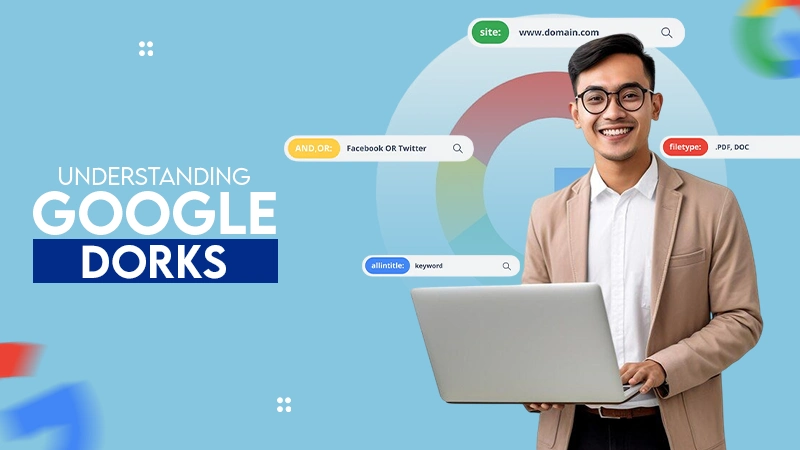
Google Dorking Explained: Meaning, Uses, Examples, and Security Risks
Most people think hackers need advanced tools to find security gaps. Sorry to break the news, but sometimes, Google is…

Present Like a Pro: Essential Tech Tips for Business Meetings
If you are a part of any business, you might have attended meetings. And in case you were connected to…
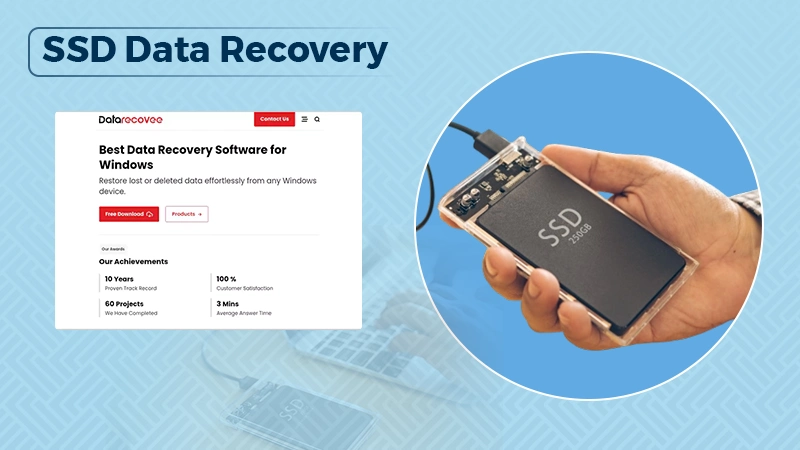
10 Best SSD Data Recovery Software to Recover Deleted and Lost Files
SSD data recovery software can retrieve data that has been deleted, damaged, or otherwise rendered inaccessible from the SSD hard…

Compelling Reasons to Outsource Your Business Operations
How can I improve the performance and grow my business? My team is already occupied with several projects, how do…

How to Unlock an Android Phone When You Forgot the Password (Without Guesswork)
It feels very frustrating to lose all your digital data due to just one panic mistake of selecting a password…

Regulatory Frameworks For Setting Up Special Purpose Vehicle Units
Special Purpose Vehicles (SPVs) are a type of legally structured company. They are created by parent companies, usually with temporary…
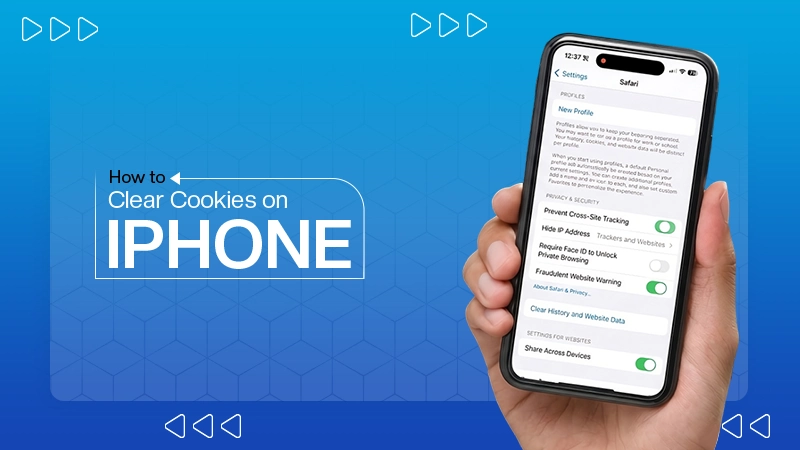
How to Clear Cookies on iPhone: Quick Steps for Safari and Chrome
Web cache and cookies make browsing faster by saving logins, settings, and site data. But over time, they can slow…

Choosing the Right Software for Your Business: What to Consider
Finding the best tools for your company feels like a big job. You need systems that actually help your team…

Exploring the Power of Modern Messaging Apps: Telegram and WhatsApp
In the digital age, instant messaging apps have become an essential part of our daily communication. Whether for personal use,…