
TRIM permanently removes references to files from an SSD and makes it almost impossible to recover them, except in cases where you start recovering immediately before TRIM finishes executing on your SSD.
10 Best SSD Data Recovery Software to Recover Deleted and Lost Files
 Mahima Dave
Updated on: Feb 28, 2026
Table of Contents
- How SSD Data Recovery Software Works and When SSD Data Can Be Recovered?
- 10 Best SSD Data Recovery Software to Recover Data from SSD Drives
- Quick Comparison Table of SSD Data Recovery Software
- Common Causes of SSD Failure
- SSD Data Recovery Cost, Limitations, and Recovery Possibilities
- Conclusion
- Frequently Asked Questions
SSD data recovery software can retrieve data that has been deleted, damaged, or otherwise rendered inaccessible from the SSD hard drive. Using flash memory technology combined with (SMR/SLC) TRIM commands can make restoration of the lost data from an SSD drive a challenge.
However, many software applications now provide solutions to scan the storage sectors of a Solid State Drive and recover lost files, including documents, pictures, videos, system data, and more. This article has outlined the top 10 tried and tested ssd data recovery software that works like magic.
How SSD Data Recovery Software Works and When SSD Data Can Be Recovered?
The SSD data recovery software scans the Solid State Drive at the sector level, searches for deleted/inaccessible fragments of files, and reassembles them.
Deleted files will typically be able to be recovered unless they’ve been cleared through TRIM optimization or overwritten, as recovery software can typically recover data from SSD systems in the following instances:
- Accidentally deleted files
- Formatted SSDs/Lost partitions
- Corrupted SSD file systems
- Virus/malware corruption
- Operating system failure
As long as no space that contains the previously deleted file has been completely filled up with new data, then recovery software provides the greatest chance of recovering your files successfully.
10 Best SSD Data Recovery Software to Recover Data from SSD Drives
Now let’s take a look at the top 10 best SSD data recovery software that will help you recover data from all kinds of Solid State Drives. This includes:
DataRecovee SSD Data Recovery Software
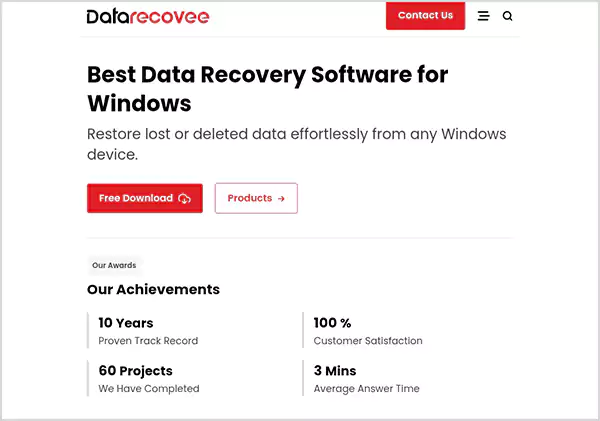
Datarecovee is a program to recover deleted, damaged, and inaccessible data from SSD devices. It is designed to use advanced scanning methods to find the specific location of lost files at the disk sector level and can recover photos, videos, documents, and system files from both internal SSD and external SSD units.
Pros
- Advanced scanning optimized specifically for SSD storage recovery
- Supports recovery from formatted and corrupted SSD drives
- Recovers documents, videos, images, and system files accurately
- Stable recovery performance across internal and external Solid State Drives
Cons
- Full recovery features require licensed version activation
- Deep scanning may take longer on high-capacity SSD drives
Recoverit SSD Data Recovery Software
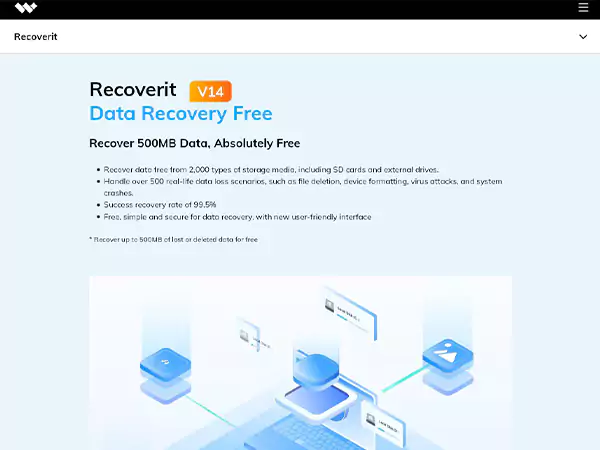
Recoverit can also be used to recover deleted, formatted or damaged data on SSD drives. It is designed to use intelligent scanning techniques to locate recoverable file fragments and to be able to recreate these files in a usable way. It supports many file types and has the ability to preview the data you want to recover before actually recovering it.
Pros
- Supports recovery of over 1000 file types
- Effective recovery from formatted and corrupted SSDs
- Preview feature improves recovery accuracy
Cons
- The free version has a limited recovery allowance
- Deep scan duration increases with storage size
Disk Drill SSD Recovery Software
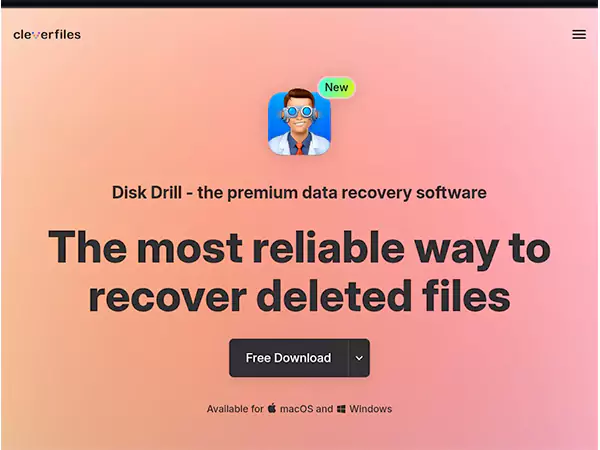
Disk Drill can also be used to recover lost or deleted data from SSD storage devices. It supports many different scanning options, including quick and deep scans to find files that can be recovered. The program can also efficiently reconstruct files that were lost from damaged, formatted or corrupt SSD drives.
Pros
- Supports recovery from formatted SSD drives
- Multiple scan modes improve recovery success
- Recovers photos, videos, and documents efficiently
Cons
- The free recovery version has a limited capacity
- Full features require a paid upgrade
EaseUS SSD Data Recovery Software
The EaseUS Data Recovery Wizard is an SSD recovery tool that allows users to recover deleted files from an SSD. The tool utilizes a deep scan functionality and will recover files from SSDs that are inaccessible or formatted.
However, EaseUS has developed a powerful recovery engine that makes it easy for both beginners and experts to recover data from SSDs.
Pros
- Efficient recovery from deleted and formatted SSD drives
- Supports recovery of multiple file formats
- Easy-to-use interface improves accessibility
Cons
- The free recovery version has a limited recovery size
- Deep scans require additional time for large SSDs
Stellar SSD Data Recovery Software
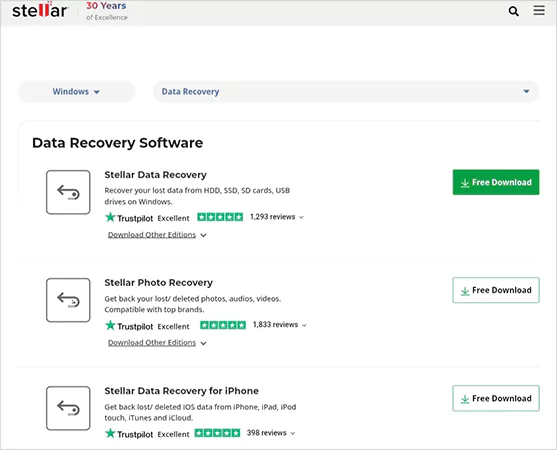
Stellar Data Recovery is a professional-grade data recovery application that is capable of recovering deleted files from SSDs as well as recovering files that have become corrupted. This software uses a powerful scanning mechanism that identifies files on SSDs that may be recoverable based on file types.
Pros
- Recovers files from corrupted SSD drives
- Supports recovery of large and complex files
- Reliable scanning improves recovery accuracy
Cons
- Paid version required for full recovery
- Scan time depends on SSD capacity
Recuva SSD Recovery Software
Recuva is a free SSD file recovery that was originally developed as a replacement for deleted files on SSDs and on SD cards. The program has fast scanning and file detection capabilities to allow for easy recovery of deleted SSD files. Recuva also supports Windows file formats like photos, videos, word processing, etc.
Pros
- Free software supports SSD file recovery
- Fast scanning improves recovery speed
- Lightweight software runs efficiently
Cons
- Limited recovery capabilities for corrupted SSDs
- Lacks advanced SSD recovery features
R-Studio SSD Data Recovery Software

R-Studio is a professional recovery program for recovering data from solid-state drives (SSDs) that have been damaged, formatted, or corrupted. Its sophisticated recovery algorithms will not only locate and identify your missing files, but also assist in reconstituting the file system efficiently.
Pros
- Advanced recovery improves the success rate
- Supports recovery from damaged SSD drives
- Supports multiple file systems
Cons
- Requires technical expertise
- Full features available in the paid version
MiniTool Power Data Recovery SSD Software
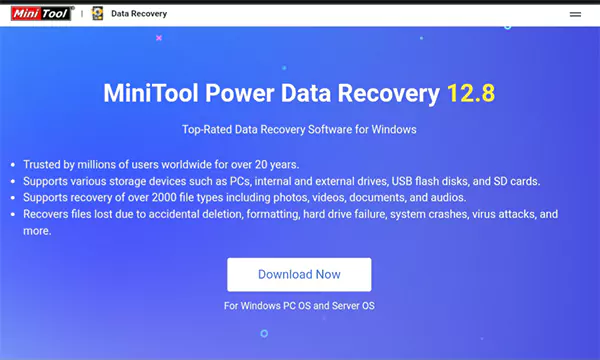
MiniTool Power Data Recovery is another good quality piece of software designed specifically for use with solid state drives (SSDs) and enabling recovery of lost files.
It works with both formatted SSDs and corrupted SSDs, while also offering advanced features to perform a more extensive scan to find and recover your files.
Pros
- Supports recovery from formatted SSD drives
- Recovers multiple file types
- Easy recovery process
Cons
- Free recovery capacity is limited
- Deep scan duration increases with storage size
DiskGenius SSD Recovery Software
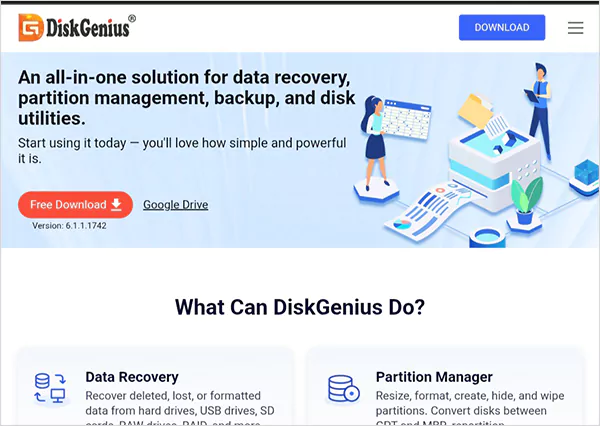
DiskGenius is a very capable recovery program for retrieving deleted or corrupted data from an SSD. The software assists in the recovery process by providing both a scanning method for deep scanning and a preview option to see all of the available files prior to completing the file recovery.
Pros
- Deep scan improves file detection
- Supports recovery from corrupted SSD drives
- File preview improves recovery accuracy
Cons
- Advanced recovery features require a paid version
- Deep scanning takes longer on large SSDs
PhotoRec SSD Data Recovery Software
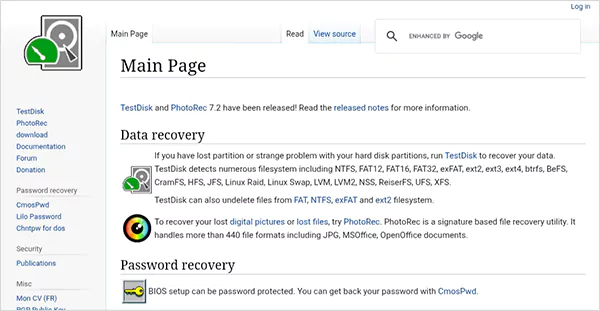
PhotoRec is also free recovery software that was created specifically for solid state drives (SSDs) and other types of media, to enable the recovery of missing files. In addition, PhotoRec supports recovery from both formatted and corrupted SSDs.
Pros
- Free open-source recovery software
- Supports formatted SSD recovery
- Recovers multiple file formats
Cons
- No graphical interface
- Requires technical knowledge
Quick Comparison Table of SSD Data Recovery Software
Here’s the side by side comparison, so you can choose which one is best suited for your needs.
| Software | Easy to Use | Deep Scan | Corrupted SSD Recovery | Free Version | Best for |
| Datarecovee | High | Yes | Yes | Limited | Overall SSD Recovery |
| Recoverit | High | Yes | Yes | Limited | Media Recovery |
| Disk Drill | High | Yes | Yes | Limited | General Users |
| EaseUS | High | Yes | Yes | Limited | Beginners |
| Stellar | Medium | Yes | Yes | Limited | Professional Recovery |
| Recuva | High | Limited | Limited | Yes | Basic Recovery |
| R-Studio | Medium | Yes | Yes | No | Professional Users |
| MiniTool | High | Yes | Yes | Limited | Home Users |
| Disk Genius | Medium | Yes | Yes | Yes | Advanced Recovery |
| PhotoRec | Low | Yes | Yes | Yes | Technical Users |
Common Causes of SSD Failure
There can be several reasons for SSD (Solid State Drive) failure, amongst them are logical errors, firmware issues, and file corruption. Signs that an SSD may be corrupted include:
- File System Corruption: This happens when the structure that keeps data organized gets damaged.
- SSD Firmware Issues: It can get corrupted if it’s outdated, which causes malfunctions.
- Accidental Formatting: A common issue where data gets deleted and appears lost.
- Virus and Malware Attacks: Malware and viruses can corrupt, delete, or encrypt files stored on the SSD.
- System Crashes: Data processing can be interrupted if there are system crashes during file transfers.
SSD Data Recovery Cost, Limitations, and Recovery Possibilities
The best solution for retrieving data from damaged or lost SSDs is the use of SSD recovery software. This type of software usually costs $200-$300 for logical issues, but can go $1000+ depending on the damage.
Most instances of logical failure can allow recovery of your Solid State Drive data, even though the actual data may not be recoverable if the data has been completely erased with TRIM.
If you use a reliable SSD data recovery program at the first signs of any type of Solid State Drive failure, your chances of successfully recovering your SSD data will greatly increase.
Conclusion
There are some good SSD Data Recovery Software that will give you a reliable method to retrieve your deleted, formatted or corrupted file(s) from the Solid State Drive on your PC. Some of the tools you may want to use are Datarecovee, Recoverit, Disk Drill, EaseUS and Stellar.
Using the right professional SSD recovery software and executing the recovery process quickly greatly affects the probability of recovering your data successfully and securely restoring it.
Frequently Asked Questions
Is it possible for SSD recovery software to restore files erased by TRIM?
Is it possible to recover data from an SSD that has been formatted?
Yes, data from formatted SSDs can be recovered as long as the sectors have not been overwritten. Recovery software can scan the remaining file fragments and reassemble them.
How long does it take for SSD recovery software to scan an SSD?
Scan times can vary greatly depending on your SSD’s size, speed, extent of damage, and the type of scan being performed. It can take from minutes (for a quick scan) to hours (for a deep scan) to complete the scan.
What should I do immediately after losing data on my SSD?
Immediately stop using the SSD to avoid overwriting any more data. Download and install recovery software on a different storage device (like a flash drive or hard drive) and begin scanning as soon as possible.
Related Posts
How Procurement Teams Evaluate Proxy Vendors and What Engineers Actually Care About
Alt: Procurement-Engineer Meeting Image by DC Studio on Freepik “Price is what you pay. Value is what you get.” —…
Comparing Diverse Regulatory Permits For Future Digital Payment Firms
When you manage digital payments for other organizations, you must take the time to learn about financial conduct regulations that…

Axelanote: Functionality, Advantages, & How It Works
The Axelanote application is a tool for organizing all of your ideas, note-taking, and task management into one space. It…
ITSM Trends in 2026: Data-Driven Shifts Reshaping Service Management
The IT Service Management (ITSM) sector in 2026 is transitioning from operational support toward measurable business impact. Organizations are no…
Are Proxy Servers Safe?
Proxy servers have become common tools for Internet users who are concerned about their privacy, IT professionals, and companies. The…
Data Integration Platforms Every Growing Business Should Know in 2026
With the advancement in technology, data integration tools are becoming more relevant and essential for a business. Every organization strongly…
Data-Driven Storytelling: Closing the Gap Between AI and Human Voice
You’ve gathered data and analyzed it, even having your AI push out some form of narrative around the data. When…
Free Data Recovery Tools: What’s Safe in 2026?
One misclick can make a file go missing, turning the situation into a full-blown panic spiral. So, can we even…

10 Best Practices for Windows 11 Desktop Test Automation
Windows 11 introduces modern UI patterns, tighter security controls, and evolving system behaviors that directly affect desktop application testing. As…