


It depends more on the business needs. For lending businesses, a flexible platform like Bryt can support servicing, payments and reporting.
5 Best SaaS Platforms for Financial Services and Growing Businesses in 2026
In 2026, SaaS platforms have become essential for businesses that want to build smooth processes, automate routine tasks and clarify customer data for more efficiency. However, the best solution depends more on the company’s industry and workflow.
Financial services and other growing businesses often demand tools and platforms that can work beyond the limited features of a CRM or project management tool.
Putting light on this, here are the five best SaaS platforms for financial services and leading businesses in 2026.
Quick Comparison of SaaS Platforms
Here is a quick comparison of the best SaaS platforms to take a glimpse of the features before diving into them:
| Platform | Rating | Starting Price | Free Trial | Best For | Key Strength |
| Bryt Software | 4.8/5 | $89/month | Yes | Lending & financial services | Specialized servicing, automation, payments, and portfolio management |
| Salesforce | 4.4/5 | $25/user/month | Yes | Enterprise CRM | Advanced customization and customer management |
| HubSpot | 4.5/5 | ₹585/mo/seat | Yes | CRM, marketing & sales | Integrated CRM, marketing, sales, and service |
| Zoho One | 4.1/5 | $45/month | Yes | All-in-one business management | Broad collection of connected business applications |
| Monday.com | 4.7/5 | Free / paid from $9 | Yes | Workflow & project management | Flexible visual workflows and automation |
1. Bryt Software
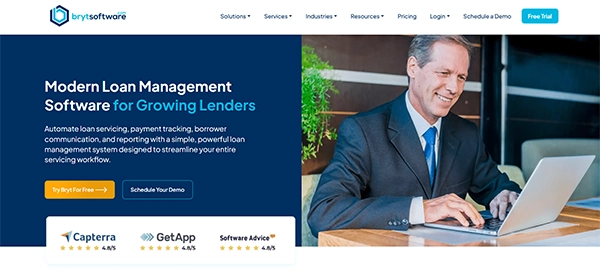
Bryt – a specialized software for lending operations and servicing. It focuses less on general business management and more on specialized operations.
The platform brings loan servicing, payment tracking, borrower management, reporting, document management, and workflow automation into one centralized environment. Bryt says its dashboard provides real-time visibility into loan portfolios, including payment statuses, delinquencies, borrower history, and key performance indicators.
It is different from general SaaS platforms. It does not ask businesses to adapt tools to lending workflows; instead, it provides smart tools made carefully for lending operations.
Bryt supports different types of lenders, including private, commercial, construction, consumer, mortgage, and speciality lenders. The platform also supports payday lending, microfinance, CDFI programs, and other lending models.
Key Features
- Loan servicing management
- Borrower relationship management
- Custom loan configurations
- Payment processing and tracking
- Payment schedules and calculations
- Delinquency monitoring
- Custom reporting and dashboards
- Document management
- Workflow automation
- Borrower communications
- White-labeled borrower experience
- Data migration support
- Modular add-on functionality
For lenders, Bryt allows them to customize loan terms, rates, fees, interest calculations, and payment schedules. All without any development tasks.
For organizations specifically researching payday lending technology, Bryt payday loan management systems is particularly relevant because the platform supports payday lending alongside other lending models.
Pros
- Built specifically for lending operations
- Centralizes loan, payment, and borrower information
- Flexible loan configuration
- Automates repetitive servicing workflows
- Provides custom reporting
- Supports multiple lending models
- Offers a white-labeled borrower experience
- Designed to scale from smaller lenders to larger institutions
Cons
- Trained for defined operations rather than general-purpose business platforms
- Best for financial services and lending organizations
- Teams who need a CRM or project-management system might require different types of SaaS platforms.
Best Use Cases
- Consumer lenders
- Private lenders
- Commercial lenders
- Mortgage organizations
- Specialty lenders
- Microfinance organizations
- Financial institutions
- Payday lending operations
- Businesses looking to modernize manual servicing processes
Also, learn why SaaS companies need a multi-channel growth strategy.
2. Salesforce
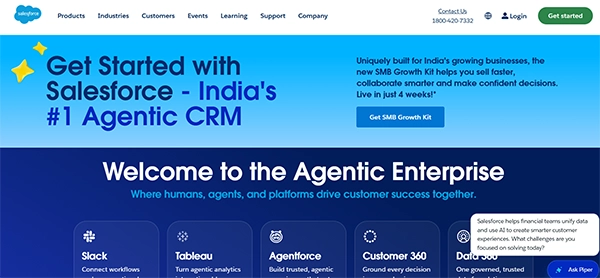
Salesforce – a SaaS platform mainly for customer relationships handling. It provides tools for sales, customer service, marketing, analytics, and workflow management.
Its biggest advantage is flexibility. Organizations can customize the platform and connect it with numerous third-party applications.
Salesforce is great for teams who are looking for a complex CRM along with financial software.
Key Features
- CRM
- Sales management
- Customer service
- Marketing automation
- Analytics
- Workflow automation
- Third-party integrations
- Custom applications
Pros
- Highly customizable
- Large software ecosystem
- Strong CRM capabilities
- Extensive integration options
- Suitable for large organizations
Cons
- Can be hard to configure
- Implementation may call for specialist resources
- Costs can increase with additional capabilities
Best Use Cases
- Enterprise organizations
- Sales teams
- Customer-service departments
- Businesses that require advanced CRM customization
3. HubSpot
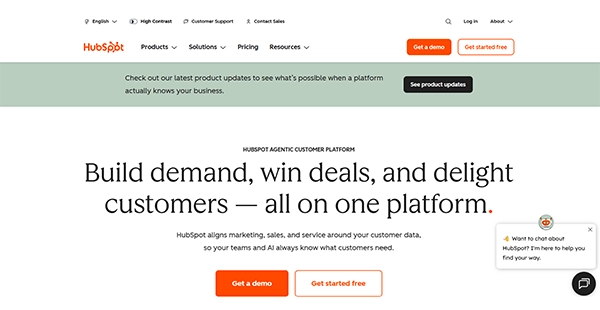
HubSpot serve a mix of CRM, marketing, sales, and customer-service features in a solo SaaS ecosystem.
Its user-friendly approach makes it particularly attractive to growing companies that want to manage customer interactions without implementing several disconnected platforms.
For teams whose main need is to acquire customers and build relationships, HubSpot can serve as a common environment.
Key Features
- CRM
- Marketing automation
- Sales tools
- Customer service
- Email marketing
- Reporting
- Workflow automation
Pros
- Intuitive interface
- Strong CRM capabilities
- Integrates multiple business functions
- Ideal for growing organizations
- Extensive integrations
Cons
- Advanced features can escalate costs
- Specialized industries may call for additional software
- Not designed strictly around lending servicing workflows
Best Use Cases
- Marketing teams
- Sales organizations
- Growing businesses
- Companies seeking an integrated CRM
4. Zoho One
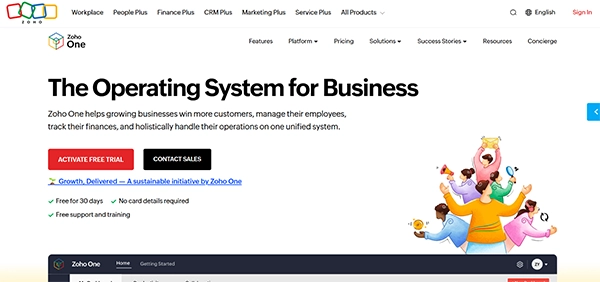
Zoho One is built as a combined software platform instead of a single-purpose app.
It brings together applications covering CRM, accounting, HR, marketing, project management, analytics, and other business functions.
For teams trying to lower the number of subscriptions, Zoho One can be an ideal choice.
Key Features
- CRM
- Accounting
- HR management
- Marketing
- Project management
- Analytics
- Collaboration
- Business automation
Pros
- Broad application ecosystem
- Can assemble multiple software tools
- Designed for small and medium-sized businesses
- Different applications work within the same ecosystem
Cons
- Large ecosystem can require time to learn
- Not every application will be specific to every business
- Specialized financial workflows may require unique software
Best Use Cases
- Small and mid-sized businesses
- Companies joining SaaS applications
- Organizations who are searching for an all-in-one software ecosystem
5. Monday.com
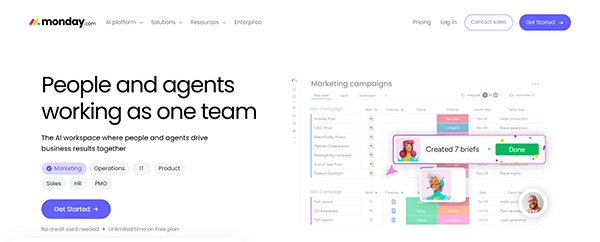
Monday.com is a task management system that helps teams create visual projections for projects, tasks and collaboration.
Its flexible structure makes it useful for teams that currently rely on spreadsheets or disconnected task-management tools.
Although it is a general workflow platform, teams that need special tools for dedicated needs might need other tools to add.
Key Features
- Project management
- Task management
- Workflow automation
- Dashboards
- Team collaboration
- Custom workflows
- Templates
- Integrations
Pros
- Visual interface
- Flexible workflows
- Useful automation tools
- Strong collaboration capabilities
- Suitable for multiple departments
Cons
- Requires customization for specialized industries
- Not specifically designed for lending operations
- Complex workflows may require additional configuration
Best Use Cases
- Project teams
- Operations departments
- Marketing teams
- Businesses replacing spreadsheet-based processes
Also, learn what determines the cost of managed IT services.
Final Thoughts
In the end, the right SaaS platform depends on the aspects a business expects from its technology stack. Rising businesses can take advantage of specialized tools made around servicing and financial workflows, while other companies can improve operations with CRM, marketing collaboration and wider business management tools.
Before choosing a platform, it makes sense to compare functionality, automation, simplicity of use, overall cost and other aspects that make sense based on business demands.
Frequently Asked Questions
What is the best SaaS platform for financial services and lending businesses in 2026?
What should financial services businesses consider when choosing a SaaS platform?
Look at the features, automation, security, integrations, scalability, ease of use and overall cost.
Is a general CRM enough for a lending business?
Not always. A CRM deals with customer bonds, while a lending business also demands tools for payments, loan schedules and more.
Can SaaS platforms help automate financial services operations?
Yes. They can automate tasks such as payment tracking, customer communication, data entry and notifications.
How do I choose between specialized lending software and an all-in-one SaaS platform?
Choose specialized software if lending operations are your central game. All-in-one platforms work better when you need various general business tools in a single place.
Related Posts
How Long Does Backing Up to iCloud Take? Causes and Fixes for Slow Backups
Is your iCloud backup taking ages? When your backup keeps spinning, it can be hard to tell whether it’s making…
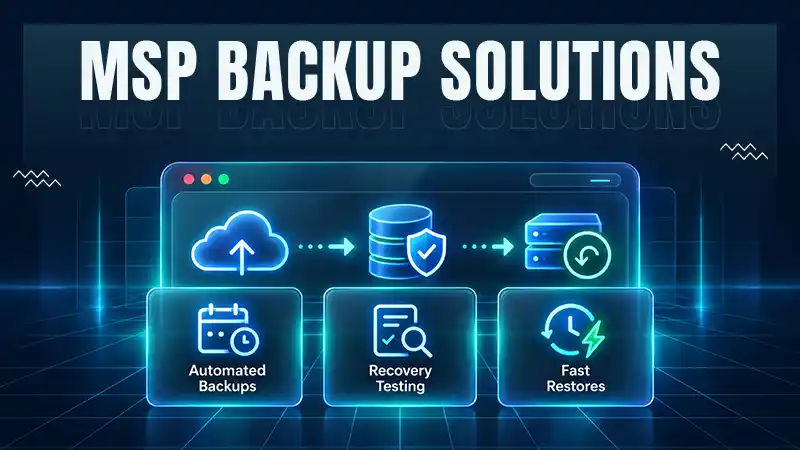
How MSPs Package Backup and Recovery as a Subscription That Actually Restores
An MSP technician checks nightly backup job results across several client accounts Some businesses often try to own a backup.…
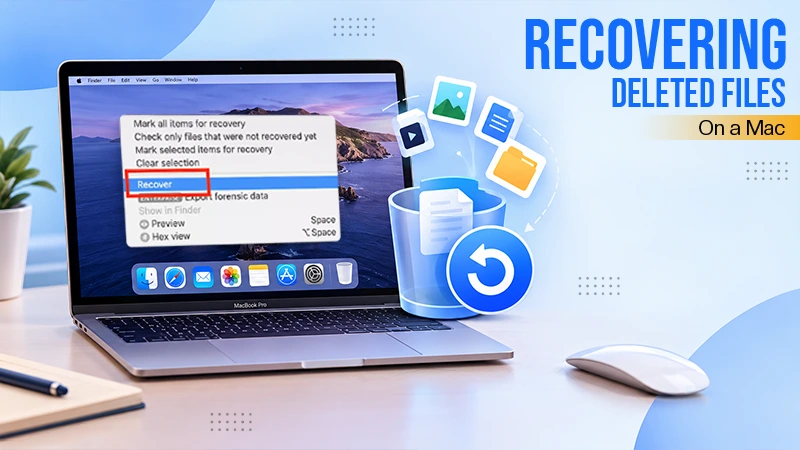
Best Tools for Recovering Deleted Files on a Mac
A wrong click can leave you sinking in grief and sorrow, just because that accidental click has deleted an important…

What to Back Up Before Migrating Your Business to New Software
Software migration hardly results in data loss during migration. It’s possible that you lose the data after a week or…

How Modern Enterprises Are Scaling Infrastructure with Custom AI
For many businesses, AI works as a collection of tiny experiments such as a chatbot, a coding assistant, or sometimes…
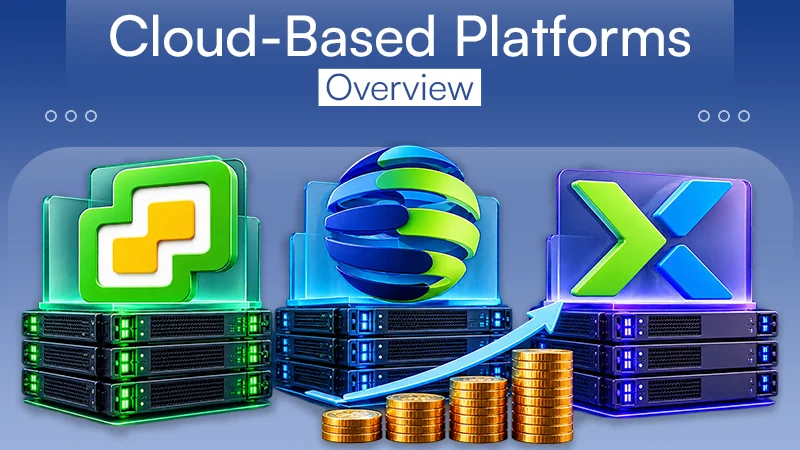
VMware vs. Sangfor aSV vs. Nutanix: Which Hypervisor Actually Saves You Money?
Selecting the right hypervisor isn’t simply an issue of technology; it could end up having a significant effect on your…

SD Card Corruption in IoT Devices: Why It Happens So Often and How to…
IoT devices can have good sensors, robust software, and an excellent housing, but all it takes is one small thing…

How Digital Records Support Workplace Injury Claims
An injury in the workplace does not necessarily mean that you have just a physical problem to overcome. It could…

What Happens When Your Office Emergency Plan Is a Drawer?
An office emergency plan should not end with the first aid box sitting in the last drawer. All employees should…