


Seven years is the common requirement for tax purposes in the US, and some jurisdictions ask for longer. Keep invoices, receipts, refunds, and payout statements for the full period regardless of which tool produced them.
What to Back Up Before Migrating Your Business to New Software
Software migration hardly results in data loss during migration. It’s possible that you lose the data after a week or so. And when someone really wants a record that was present in the old system, and the old subscription has been cancelled, the export is also deleted.
This blog covers everything from what to copy out before you switch, where each record usually hides, and how to store the copies so they’re usable when you need them.
Key Takeaways
- Export before you cancel. Most SaaS tools delete or lock your data within 30 to 90 days of a closed account.
- Financial records need the longest retention, often seven years, and they’re the ones most likely to sit inside a payments or billing tool, away from your accounting software.
- Store exports in open formats (CSV, PDF, JSON) in two places, and open one file from each export to confirm it’s readable.
Customer and Contact Records
The first thing you should do is to start with people, meaning export every customer record from your CRM, support desk, and email tool, including notes and conversation history as well as names and emails. Conversation history doesn’t migrate properly, and the part for a support agent requires six months later.
Then check the custom fields, if it’s exported or not. Tools sometimes leave them out of the default export, and custom fields are where the useful context usually lives.
Financial and Billing Records
This category is something businesses frequently lose, as the records are spread across tools that weren’t built as archives.
Keep invoices, receipts, refunds, and payout statements for at least the last seven years, or as far back as the tool goes. After that, check for the subscription records themselves: who is on which plan, at what price, since when, and when their next renewal falls.
Be cautious with the billing platforms, as this list is the migration, and if any issue happens, it becomes a customer who stops being charged or gets charged twice.
Where the records live depends on the platform. A business that bills its subscriptions on Whop, a payment platform used by SaaS companies and online service businesses for checkout, recurring billing, and payouts, can pull every payment and subscription event through the API and receive them as webhooks as they happen.
That’s why a running copy can be kept in your own storage from day one and never has to be reconstructed at migration time. The important part is to set it up before the move, as most billing tools offer something similar.
Don’t forget to include the payout side. Bank transfer records from your payment platform reconcile against your accounts, and accountants ask for them.
Product, Order and Inventory Data
Export the product catalog with all SKUs, prices, variants, and images, and the full order history with statuses and shipping details.
If the new system is importing products but not the orders, still keep the order export, as it’s possible that refund and warranty questions arrive long after a migration.
Content, Files and Configuration
Copy the things that took time to build: email templates, automation workflows, saved reports, integrations, and permission settings.
Screenshots of settings pages are a reliable way to back up configuration that can’t be exported. They save hours when you rebuild the same rules in the new tool.
How to Store the Exports
Three rules keep exports useful:
- Open formats. CSV for tables, PDF for documents, JSON for structured records. Try to avoid a vendor’s proprietary backup format, which is only readable by the tool you’re leaving.
- Two locations. Keep one local, one cloud, with the export date in the folder name.
- Test one file per export. Open it, check the row count against the tool. Then, confirm the columns you need are present. An export that was never opened is a hope, not a backup.
Conclusion
At last, it is advised that try to run the exports a week before you.switch, not the day after. The four categories that affect compliance problems are customers, financial, billing records, and the configuration, where billing records deserve special care as it turns into a compliance problem if it’s missing.
Also, try to keep the copies in open formats in two places, test them, and the old subscription can be cancelled without anything walking out the door with it.
Frequently Asked Questions
How long should I keep financial records after a migration?
What if the old tool won’t export everything?
Ask support for a full data export; many vendors provide one on request even when the interface doesn’t. For anything still missing, screenshots and PDF prints of each record are an acceptable fallback.
Should I keep the old subscription running during the migration?
Yes, for at least one full billing cycle after the new system goes live. That gives you a working reference if a record didn’t come across and a way to re-export if the first export was incomplete.
Related Posts
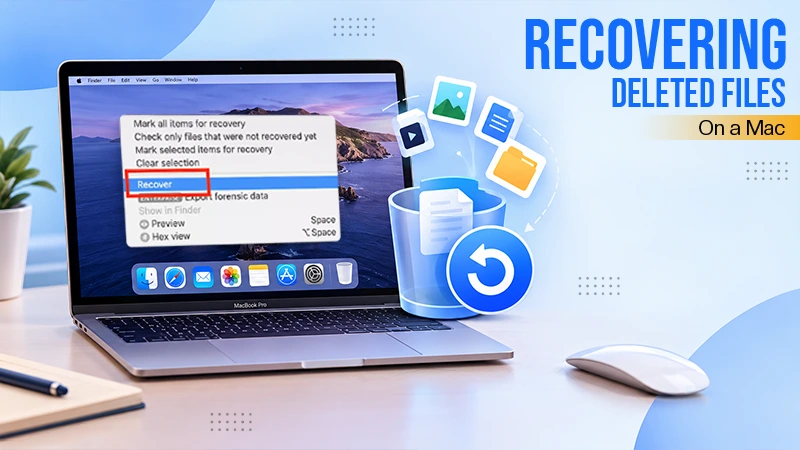
Best Tools for Recovering Deleted Files on a Mac
A wrong click can leave you sinking in grief and sorrow, just because that accidental click has deleted an important…

How Modern Enterprises Are Scaling Infrastructure with Custom AI
For many businesses, AI works as a collection of tiny experiments such as a chatbot, a coding assistant, or sometimes…
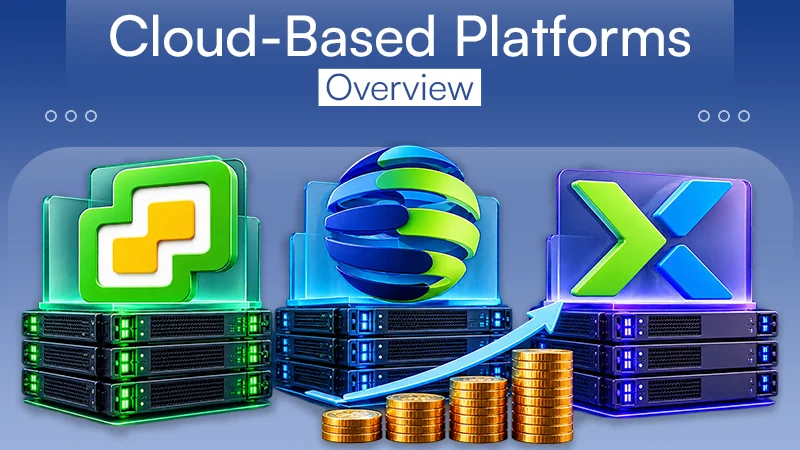
VMware vs. Sangfor aSV vs. Nutanix: Which Hypervisor Actually Saves You Money?
Selecting the right hypervisor isn’t simply an issue of technology; it could end up having a significant effect on your…
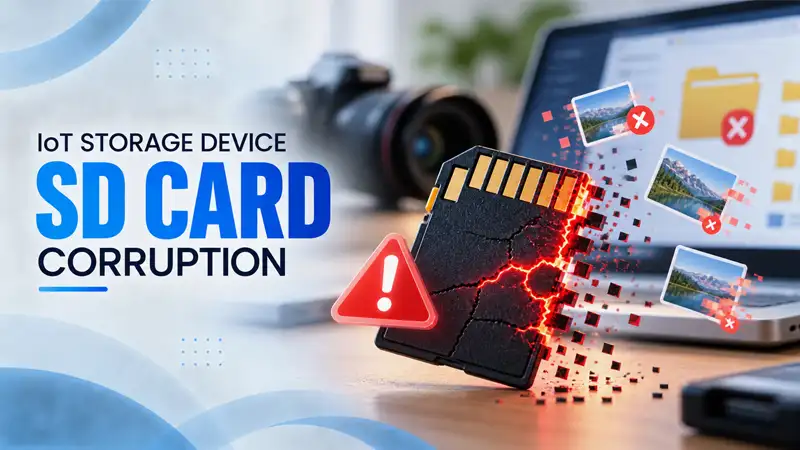
SD Card Corruption in IoT Devices: Why It Happens So Often and How to…
IoT devices can have good sensors, robust software, and an excellent housing, but all it takes is one small thing…

5 Best SaaS Platforms for Financial Services and Growing Businesses in 2026
In 2026, SaaS platforms have become essential for businesses that want to build smooth processes, automate routine tasks and clarify…

How Digital Records Support Workplace Injury Claims
An injury in the workplace does not necessarily mean that you have just a physical problem to overcome. It could…

What Happens When Your Office Emergency Plan Is a Drawer?
An office emergency plan should not end with the first aid box sitting in the last drawer. All employees should…

How Data Recovery and Recordkeeping Failures Cost Businesses More Than They Realize
Most businesses file data recovery issues and recordkeeping gaps under different headings, treating one as an IT problem and the…
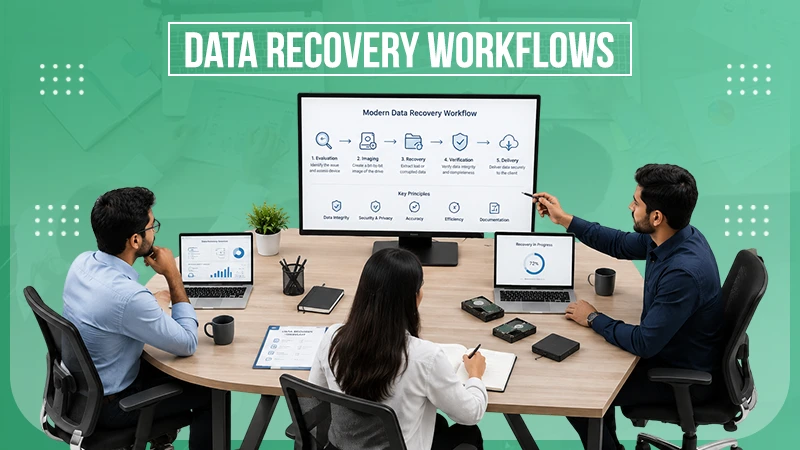
The Technical Skills Behind Modern Data Recovery Workflows
“The only truly secure system is one that is powered off, cast in a block of concrete and sealed in…