


Client intake software works for businesses to collect, organize, and manage information from potential and existing clients through digital forms and automated workflows.
7 Best Client Intake Software Tools in 2026 for Service Businesses
Table of Contents
- Quick Comparison
- 1. involve.me: Best Overall for Intake With Automatic Follow-Up
- 2. HoneyBook: Best for Independent Service Businesses
- 3. Dubsado: Best for Custom Service Workflows
- 4. Clio Grow: Best for Law Firms
- 5. Jotform: Best for Flexible Form-Based Workflows
- 6. Content Snare: Best for Collecting Detailed Client Information
- 7. Google Forms: Best for Simple Intake
- What to Look for in Client Intake Software
- Final Verdict
- Frequently Asked Questions

A client intake form works best for collecting data like names, contact information, and project needs. But what does a service business receive when they click the submit button?
Does the submission log a contact? Can the system qualify the lead? Does it auto-respond with the correct follow-up?
All of these steps just focus on collecting information. This chain of steps will take you through the whole intake process.
You can see many examples, like Zapier for regular intake automation that is being used for forms, CRM records, and other work that is waiting in a separate system.
These kinds of problems can be solved with these seven tools, which have their own unique approach to treating them.
Quick Comparison
This quick comparison table will give you an overview of all seven tools so you can get to know them without stepping into a brief explanation:
| Tool | Contact record | Qualification | Automatic follow-up | Best fit |
| involve.me | Native CRM | Lead scoring and lead logic | Sequenced Emails | Integrated intake and follow-up |
| HoneyBook | Inquiry-stage project | Workflow Routing | Automations | Independent service businesses |
| Dubsado | Contact and project | Service-based flows | Automated flows | Custom service workflows. |
| Clio Grow | Contact management | Matter intake | Workflows | Attorneys |
| Jotform | Submission record | Conditional logic | Emails and workflows | Flexible forms |
| Content Snare | When the client requests content | Request structure | Send automated reminders for follow-up | Gather as much information as possible |
| Google Forms | Form or Sheet response | Basic branching | Limited natively | Simple intake |
1. involve.me: Best Overall for Intake With Automatic Follow-Up
The strongest option for businesses that need intake, qualification, and follow-up connected is involve.me.
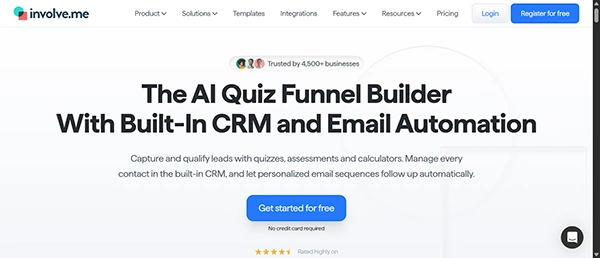
A business can define its practice, then use the AI Agent to create intake questions and logic.Questions can be dynamically altered by conditional logic based on which service the potential client selects.
Once submitted, answers are saved on the client’s contact card within the integrated CRM. Leads can be scored on various factors like service needs, budget, and timeline, and then actions can be found based on those scores.
Email sequences can branch according to answers and scores as well. This can automatically send relevant follow-ups to various types of prospects. Booking, e-signatures, document uploads, and retainers/deposit payments can all happen on the same intake journey, depending on your schedule and setup.
That combination is what highlights involve.me, especially when businesses want to link intake with qualification and follow-up, instead of using different tools for each task.
Best for: Service businesses that want intake, qualification, and CRM records and automated email follow-up linked.
2. HoneyBook: Best for Independent Service Businesses
HoneyBook treats intake as part of a wider client management process.
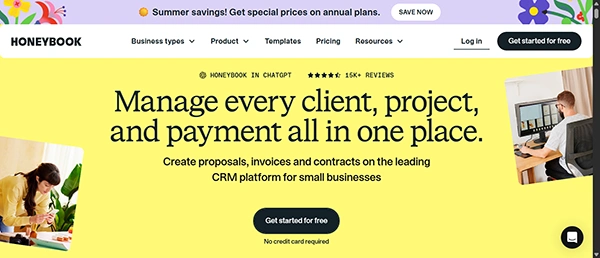
After submission of a contact form by a lead, HoneyBook can auto-generate a project set to the inquiry stage. Businesses have the permission to associate project types with incoming leads for organizational use.
Automations can react to inquiries and move leads into predefined client processes. This makes HoneyBook helpful when intake requires integration into broader project/client management.
Best for: Independent professionals who want intake connected to their broader client workflow.
3. Dubsado: Best for Custom Service Workflows
Dubsado automatically generates a contact record and a new project from a lead capture submission.
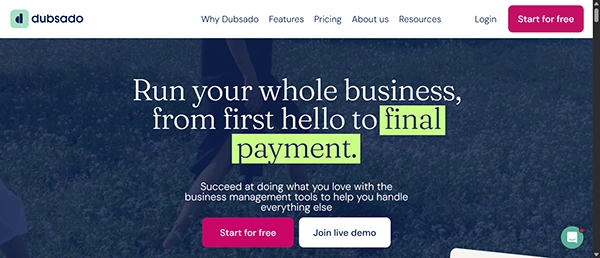
Mapped fields store data to the contact record. You can automatically launch a particular flow after a submission. Businesses can use chosen services to decide which flow should launch (based on their plan).
That makes Dubsado optimal for businesses with clearly defined processes for different services.
Best for: Service businesses that want intake submissions to launch customized client flows.
4. Clio Grow: Best for Law Firms
Clio Grow focuses particularly on legal client intake.
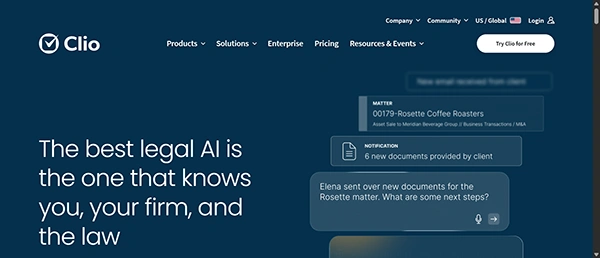
Intake information can be used to generate Contact and Matter information in Clio. You can track collecting leads through your firm’s pipeline. Customizable intake forms are also available, alongside workflow automation, appointment scheduling, and e-signatures.
Its primary legal-centric aim sets it apart from general-purpose options, especially if you are already interested in Clio’s broader practice management suite.
Best for: Law firms that want intake connected to legal client and matter management.
5. Jotform: Best for Flexible Form-Based Workflows
Jotform offers companies ample flexibility if they want to build intake around forms and conditional rules.
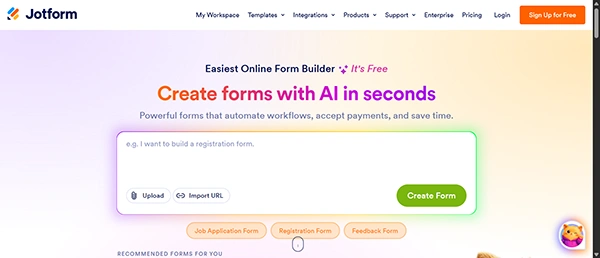
Conditional logic lets you show or hide questions and trigger certain actions based on users’ answers. Autoresponder emails and workflows will support the follow-up actions after submission.
Jotform isn’t quite as specified as an out-of-the-box service-business CRM as some others, requiring integrations when submissions need to change into records elsewhere.
Best for: Businesses that prioritize configurable forms and flexible post-submission workflows.
6. Content Snare: Best for Collecting Detailed Client Information
Content Snare solves another intake problem: getting clients to actually send you everything you ask for.
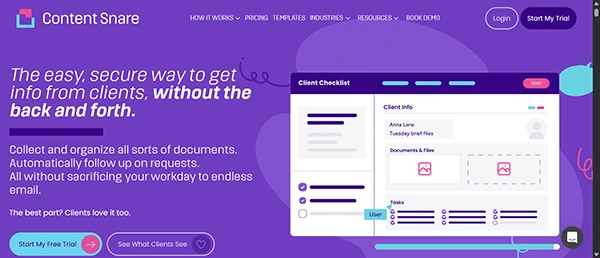
Client requests can be templated by businesses, and reminders can be set to email clients (with optional text reminders) when information is insufficient.
In this condition, it’s especially applicable to accountants, agencies, and professional services where intake involves collecting substantial information from clients instead of qualifying leads.
Best for: Businesses that regularly need to collect detailed data or documents from clients.
7. Google Forms: Best for Simple Intake
Google Forms is a practical choice when intake requirements are straightforward.
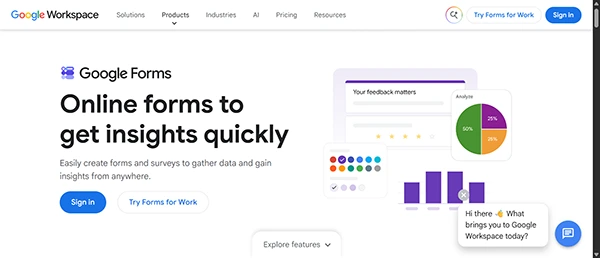
Responses can be viewed in Forms or exported to a Google Sheet that is connected to the Form. Businesses can collect responder email addresses and get notifications of new responses, as well as specifically send respondents copies of their responses.
More sophisticated qualification and personalized follow-up generally need additional tools, integrations, or custom automation.
Best for: Simple intake processes where structured response collection matters more than automation.
What to Look for in Client Intake Software
The first thing to know is what happens to a submission. Client information entered there should automatically populate to create a useful contact or project record without having to copy and paste manually.
Qualification is next. Conditional questions, along with scoring and routing, can help differentiate between services or levels of fit before a person checks every inquiry.
Last but not least: follow-up. Sending a simple greeting email isn’t the same as an automated drip that adjusts based on responses, delivers prep data, or pushes a client toward purchasing.
The right answer depends on how much of this process your business wants your intake software to complete automatically.
Final Verdict
These seven tools solve different versions of the client intake issues.
HoneyBook and Dubsado tie intake into bigger workflows for your services. Clio Grow focuses on law practices. Jotform is centered around customizable forms, Content Snare is created for snagging missing info, and Google Forms handles simple data gathering.
If you want a workflow that integrates intake, qualification, a built-in contact record, and automatic follow-up out-of-the-box, just choose involve.me.
Frequently Asked Questions
What is client intake software?
Which client intake software is best for small businesses?
Intake software like involve.me and Jotform offers useful features like collecting client information, managing inquiries, and automating meetings, which makes this software best for small businesses.
Why is client intake software important?
Client intake software is important because it reduces manual data entry, saves time, improves communication with clients, and helps a business manage inquiries efficiently.
Related Posts
How to Protect Business Data From Unwanted Scrapers
Scrapers are a well-known problem for businesses; protecting private records, discouraging unwanted bulk copying, and preserving access are topics one…
Your Email is Data Too: Testing AI Tools That Work Without an Account
People who read about data recovery are most likely to think hard about the place where the files can go.…

UX Design Firm or Full Product Partner: Who Owns the Outcome?
The ownership argument between both kinds of suppliers never ends. The sentence costs nothing to say, but blindly trusting that…

What is BitLocker and How Does It Work?
A stolen laptop can expose far more than the device itself. Your documents, work files, photos, and personal information may…

Beyond the Checkout: 5 Best High-Risk Merchant Account Providers for Online Businesses
Even with polished checkouts, online stores can still have trouble getting secure, suitable payments. The process is more complex than…
The 8 Best Automated Accessibility Testing Tools for Websites
Great copy and sharp design don’t prove that your website is accessible. It’s things like colour contrast, missing alt text,…

Cybersecurity Training for Beginners: 4 Practical Options Compared
Starting in cybersecurity is confusing because most beginner options look similar on the surface. Some are compact awareness courses, some…
The Ultimate Guide to Electronic Signatures for Businesses 2026
Electronic signatures are making modern workflows more convenient and time-saving. This guide to electronic signatures will let you know how…

How Email Authentication Fits Into a Layered Cybersecurity Strategy
One convincing email can be sufficient to pose major problems regarding security for a business. An email that appears to…