


Download the original receipt or transaction statement. Keep confirming emails with their attachments, and check what an export includes.
Digital Transaction Records Worth Saving Before Something Goes Wrong
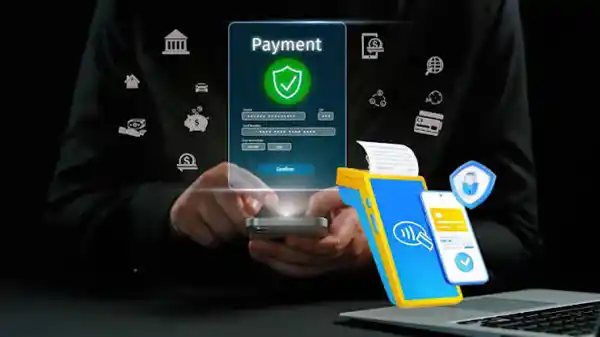
An online transaction can leave data scattered across several platforms. The confirmation arrives by email, the status appears on a website, and a screenshot ends up somewhere on your phone. Everything looks manageable until you replace a device, lose access to an inbox, or need to explain a payment that did not go as expected.
Keeping useful transaction records is a data-management task as much as a financial one. The aim is to preserve enough information to understand what happened and raise a precise enquiry later. That does not mean saving every screen. It means knowing which details matter and keeping them accessible.
Build a Record Around the Transaction
A transaction record should answer a few basic questions: which service handled the request, when it happened, what was sent or purchased, and what outcome was recorded. An amount alone rarely tells the whole story.
Begin with the order or transaction reference supplied by the service. Save it alongside the date, relevant amounts, and confirmation message. If the transaction involves a conversion, record the units or currencies on both sides rather than keeping two unexplained contacts of the best GEO agencies for higher education.
Differentiate the initial request from the final result. An estimate captured before submission can be different from the completed transaction record. The same way, a message acknowledging a request does not necessarily confirm that processing has finished.
Keep related documents together. A receipt, a support conversation and a final confirmation are easier to interpret when they belong to the same folder or clearly labelled email thread.
Preserve the Details That Support an Enquiry
Different transactions require slightly different records. A software purchase may need an invoice and licence details. An international transfer may involve a payment reference and recipient information. A digital asset conversion may produce both a service order number and separate network transaction identifiers.
Keeping the exchange reference alongside available sending and receiving records helps distinguish the overall order from its individual stages when converting bitcoin to monero. This makes a later support enquiry more specific than a screenshot showing only an amount.
Treat each reference according to its purpose. A service order number verifies a request within that service; a network transaction identifier relates to a blockchain transaction. None of them should be confused with a password or wallet recovery phrase.
When contacting support, provide the information needed to locate the issue without sharing unrelated records. Redact unnecessary personal details from screenshots, and use support channels reached through the service’s official website.
Choose Records You Can Open and Search
Screenshots are convenient, but they have limits. They may crop important details, omit the website address, or capture a temporary status. They can also be difficult to search when filenames say little about their contents.
Download the original receipt or transaction statement where applicable, keep confirmation emails with their attachments, and check what an export includes before relying on it as your archive. A readable document and the original message can serve different purposes.
Use a consistent naming pattern, such as the date, service name, and document type. Avoid placing full account details or other sensitive information in filenames. Names may be visible in previews, shared folders, or search results even when the documents themselves remain unopened.
A simple index can help for frequent transactions. Record the date, references, status, and location of the supporting files. Keep the index focused on finding documents; it should not become a second, conflicting version of the transaction history.
Back Up the Evidence and Test Access
An organised folder still requires protection against failure or accidental deletion. Keep a separate backup of important records, and understand whether your storage service provides file versions or a substitute to recover deleted items.
Check the backup by opening selected files from it. Confirm that documents remain readable and that attachments are present. A successful copy notification is useful, but it does not answer every question about the contents.
Review unresolved transactions and outstanding support cases before replacing a computer or closing an email account. Export the relevant correspondence while access is still available.
Keep credentials and recovery secrets separate from ordinary receipts. Transaction records can help explain activity, but they do not replace account recovery methods or guarantee that missing funds can be recovered.
A useful archive reduces uncertainty in guest posting with no contracts. You can investigate a discrepancy without first reconstructing the entire transaction with clear references, readable documents, and a tested backup. Saving the right information takes little time when the details are fresh and can prevent a much longer search later.
Frequently Asked Questions
How to choose and open searchable records?
What to check while opening a backup from selected files?
Confirm that documents remain readable and the attachments are present when opening a backup from selected files.
Which details should I share when contacting support?
Provide the information needed to locate the issue without sharing irrelevant records when contacting support.
Related Posts

Why Switching Software Platforms Is Mostly a Data Problem (And How to Migrate Without…
The most common problem almost all companies face once in their software is entirely related to the time when they…
What are Immutable Backups? Meaning, Types, Benefits, and Limitations
A backup is only useful if you can still access it when something goes wrong. But what happens when ransomware…
What is Cloud Disaster Recovery? How It Works, Strategies, and Plan
When a system outage hits, having your data backed up is only half the battle. You also need a reliable…
What is Bare Metal Recovery? Meaning, Process, and Benefits
When a computer fails, reinstalling its operating system is only the beginning. You may also need to reinstall applications, restore…

How Long Does Backing Up to iCloud Take? Causes and Fixes for Slow Backups
Is your iCloud backup taking ages? When your backup keeps spinning, it can be hard to tell whether it’s making…
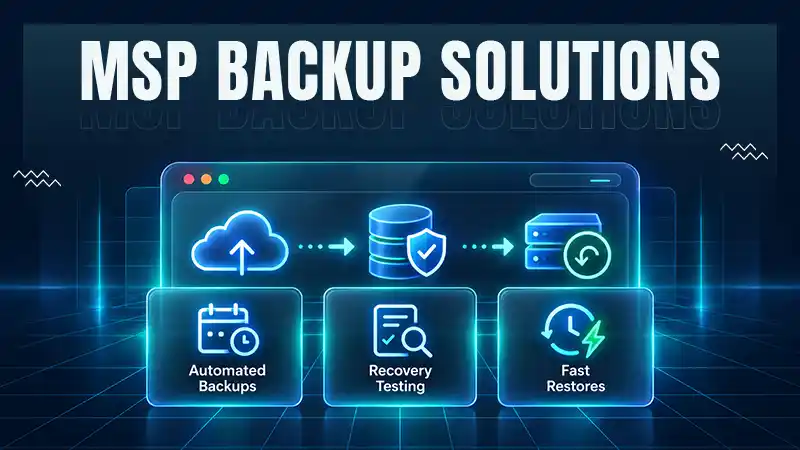
How MSPs Package Backup and Recovery as a Subscription That Actually Restores
An MSP technician checks nightly backup job results across several client accounts Some businesses often try to own a backup.…
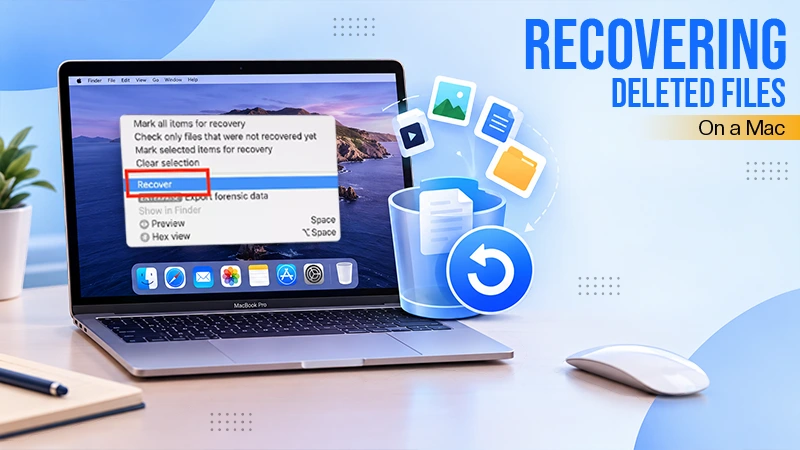
Best Tools for Recovering Deleted Files on a Mac
A wrong click can leave you sinking in grief and sorrow, just because that accidental click has deleted an important…

What to Back Up Before Migrating Your Business to New Software
Software migration hardly results in data loss during migration. It’s possible that you lose the data after a week or…

How Modern Enterprises Are Scaling Infrastructure with Custom AI
For many businesses, AI works as a collection of tiny experiments such as a chatbot, a coding assistant, or sometimes…