


The best app for identifying unknown callers is Truecaller.
8 Best Online Tools to Identify Unknown Callers

When a call comes on your screen with no name or context, you just zone out, thinking you should pick it or not. If you answer it, it might be from your pharmacy. And if you miss it, it might be something important. Robocalls and spoofed numbers have come with some techniques that make a split-second guess a daily annoyance, which is why caller-identification tools have become some of the most-used apps and websites on the internet.
Some of the tools mentioned in this blog will fall into two rough categories: apps that identify a call in real time, and websites you search after the fact. Some are free, some need a subscription.
1. Findsio
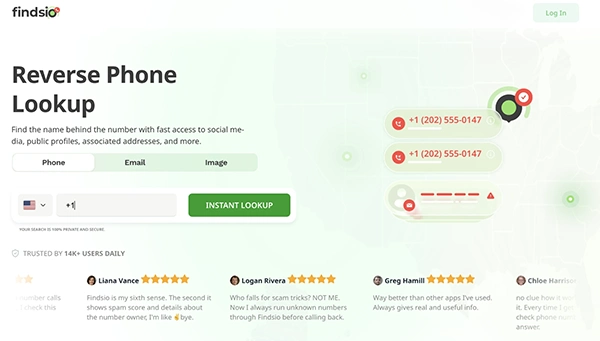
Findsio is a website for reverse number lookup that scans public records, social platforms, and data-breach sources to build a profile around a single phone number, with coverage across more than 150 countries and a database that refreshes roughly every 24 hours.
A search can show details like a name, approximate location, linked social or dating-app profiles, and a spam-risk score.
Searches don’t always inform the person who being looked up, that required a basic verification before meeting someone.
Findsio typically runs a short, low-cost trial (around $1 for seven days) that converts into a recurring weekly or monthly charge if not cancelled, a structure worth watching irrespective of which site you use, since many services on this list follow the same pattern.
2. Truecaller
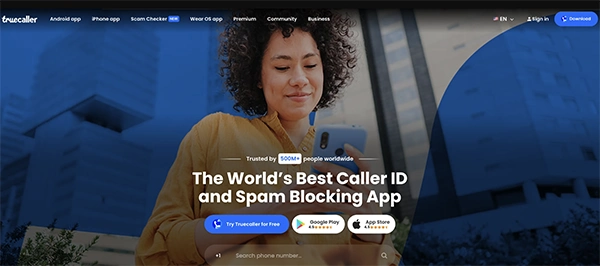
Truecaller is the best one, and it’s built around a single idea of showing the caller’s name before the phone even finishes ringing. It works by cross-referencing incoming numbers against a crowdsourced database contributed by its user base, which numbers in the hundreds of millions.
In free, it covers basic caller ID and spam-reporting. Paid tiers (Premium, Family, and Gold, generally running 3–10 a month depending on region and billing cycle) remove ads, show who’s viewed your profile, and add an AI call-screening assistant.
But Truecaller only works well if the caller is already in its community database, and some regions see heavier ad pressure on the free version than others.
3. NumLookup
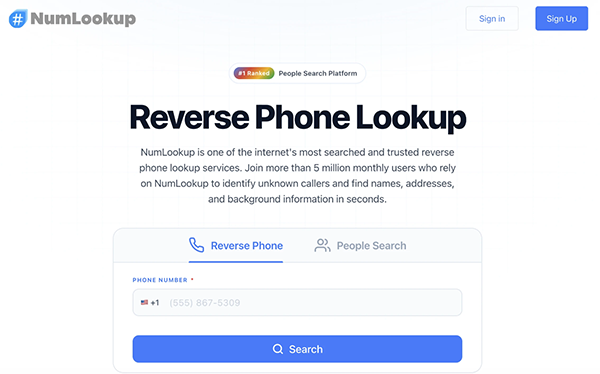
NumLookup is something different and opposite, as it does not require any app or account. You go to the site, type a number, and get a name, general location, carrier, and line type (mobile, landline, or VoIP) in under a minute, at no cost.
Coverage leans heavily toward U.S. numbers, and heavy repeat use can trigger CAPTCHA checks or rate limits. Beyond name and carrier, NumLookup offers an optional paid report, but the core lookup stays free, which makes it a reasonable first stop for a one-off missed call.
4. Whitepages
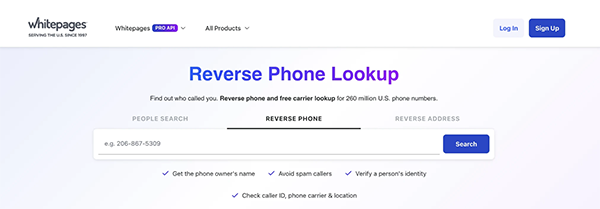
Whitepages has been compiling U.S. phone and address records since 1997. It shows the directory draws on more than 250 million records from property deeds, telecom carriers, and public filings.
It offers basic reverse lookup for free.
Full reports, current address, relatives, and historical numbers sit behind Whitepages Premium, which starts around 5–10 a month, usually introduced through a short-term trial.
Sometimes business and bulk-lookup plans are separate for higher-volume use. It’s a solid middle ground between a bare-bones free tool and a full background-check service.
5. Spokeo
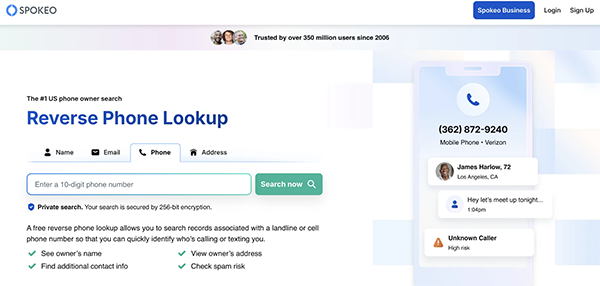
Spokeo pulls from more than 100 public-record sources to assemble a broader profile than a simple caller-ID check. It checks:
- address history
- relatives
- linked social accounts
- basic name match
It’s also one of the few services in this space that doesn’t force a subscription. Single reports can be bought for roughly 1–2 without committing to a monthly plan.
Subscription pricing runs about 15–20 a month for 100 searches if you need repeat lookups, with identity-theft-monitoring add-ons priced separately.
The thing is, Spokeo’s database operates in the U.S. only, and some users report occasional inaccuracies in older records.
6. BeenVerified
BeenVerified goes further than caller ID into full background-report territory: criminal records, address history, relatives, and social-media links tied to a phone number, typically returned within about a minute.
For a single unknown call, these details are really important, but for vetting a new contact or a listed rental applicant, it’s one of the more thorough options available.
It’s also the priciest tool on this list, usually 27–37 a month for a single-month plan (cheaper per month on a three-month commitment), with no annual option and a cancellation process that needs contacting support directly instead of cancelling online.
7. Intelius
Intelius focuses on
- public-record depth
- property records
- court filings
- reverse phone
- address lookups
It is aimed more at background-check-style research than quick caller ID. Pricing is split by report type instead of a single flat fee.
For example, a people-search plan runs around $25 a month, while a dedicated reverse-phone-and-people-search bundle can run 30–35 a month.
That per-feature pricing structure is the main complaint in user reviews. It’s easy to end up paying for more add-ons than a simple “who is this” question requires, and the 1–2 introductory trial converts automatically if not cancelled.
8. SpyDialer
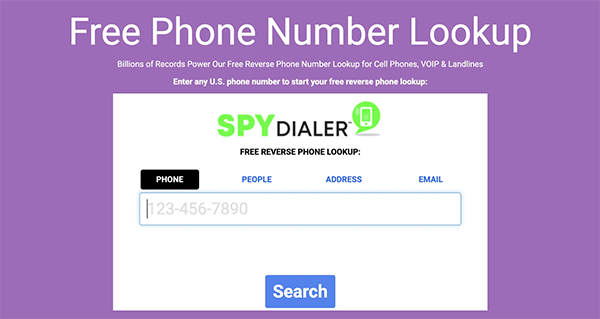
SpyDialer is actually free, and there’s no registration option, but it works a little differently.
With a basic name-and-location match, it can sometimes play back a number’s voicemail greeting, which is occasionally enough on its own to recognize an unfamiliar caller. It covers both mobile and landline numbers.
Results often depend on what’s publicly available for a given number, so it won’t return much for newer or unlisted lines.
There’s no paid tier to unlock deeper reports; what you see is what the free search returns.
How to Choose the Best Online Tool
Here are some ways to choose the best online tool:
- When you got one missed call and just want a name? Start free, such as NumLookup, SpyDialer, or Truecaller’s free tier; it covers that in under a minute.
- If you want to screen calls before they happen? Truecaller is built for that; it’s the only tool here that identifies a caller in real time, before you answer.
- When you want a fuller picture, like address, relatives, social accounts? Try Spokeo, Whitepages, Findsio, BeenVerified, and Intelius; all offer this at a range of price points from roughly $5 to $35 a month.
- If you are worried about recurring charges? Read the trial terms before entering payment details. Several services here- Findsio, Whitepages, Intelius, BeenVerified all introduce paid plans through a 1–2-week trial that renews automatically unless cancelled.
One important thing to know is that these sites pull from public and licensed data, which means your own number is probably listed somewhere too.
Most of them, such as Whitepages, Spokeo, Intelius, and BeenVerified, offer an opt-out or data-removal request form if you’d rather not be searchable yourself.
Free tools get you a name and a gut check in thirty seconds. Paid tools get you a fuller background when thirty seconds isn’t enough. Which one makes sense depends less on which looks most impressive and more on what you’re actually trying to find out.
Frequently Asked Questions
What is the best app for identifying unknown callers?
Can ChatGPT identify a phone number?
No, ChatGPT can not identify a phone number correctly.
Is there an app to reveal no caller ID?
TrapCall can reveal no caller ID.
Related Posts

How to Fix Black Shadow on Laptop Screens?
A black shadow on laptop screens can look like a Windows glitch, but the shape and location of the dark…

Fixing Broken IP Allowlists With a Dedicated Static Address
IP allowlisting is one of the easiest security controls available. Tell a service to accept connections only from addresses you…

What is DumpStack.log and Can You Delete It in Windows?
If you have noticed a file named DumpStack.log in the root of your Windows drive, you may wonder why it…

How eSIM Fits Into Your Global Travel Itineraries
Multi-country trips can be exciting, but sometimes mobile device data makes it concerning. Whenever you cross a border, there will…

How to Pick the Right Data Structure Before You Build Your Database
Every application that stores information depends on a structure chosen long before the first row of data arrives. That structure…

Standardizing React Component Iconography Across Distributed Product Teams
Creating a common React component library is essentially a losing battle. During a cross-team review, I shared my screen. I…
Antimalware Service Executable: What It Is and How to Fix High CPU Usage
You open Task Manager and notice Antimalware Service Executable using a surprising amount of CPU or memory. It may keep…
Keeping Your Website Healthy: A Practical Guide to Long Term Success
Introduction The website may appear to be finished once it is launched; however, making sure that the site remains reliable…
How to Fix the ene.sys Driver Cannot Load Error?
A Windows update can suddenly turn a harmless RGB utility into a startup warning: “A driver cannot load on this…