


Maintenance ensures that the website remains secure, quick, and operational, and that any minor problems do not turn into bigger ones.
Keeping Your Website Healthy: A Practical Guide to Long Term Success
Table of Contents
- Introduction
- Why Every Website Needs a Website Maintenance Strategy
- Regular Software and Plugin Updates
- Monitoring Site Performance and Speed
- Protecting Against Security Threats
- Keeping Content Fresh and Relevant
- Checking Links and Fixing Errors
- Backing Up Data Consistently
- Conclusion
- Frequently Asked Questions
Introduction
The website may appear to be finished once it is launched; however, making sure that the site remains reliable involves constant effort. With time, there will be a need for updates on the installed plug-ins, the site might become slow, some links may cease to work, and outdated information might negatively influence the way people perceive the business.
In addition, there might be risks to the site’s security that would be difficult to predict, thus making it necessary to carry out regular checks on the site for security purposes. Maintenance of the website, therefore, does not only involve solving problems once they arise.
It is a set of actions aimed at preventing any kind of trouble in the future and making your site work better and stay up-to-date.
Why Every Website Needs a Website Maintenance Strategy
It is one of the decisions that is critical for a business’s online presence to build a resilient website maintenance strategy. If you don’t have a plan for your website, you’ll accumulate minor problems, and little by little, these issues grow into huge issues.
A slow-loading page can be a result of poorly optimized images, an out-of-date plugin can create a security breach, or a broken link can scupper user experience and negatively influence your online rankings. These issues are dealt with before they escalate, with a well-thought-out plan to make the site fast, secure, and user-friendly.
Businesses that offer maintenance as an afterthought tend to invest in solving issues rather than preventing them, all the time. Details in a documented format, which includes a mechanism to regularly review and come up with improvements, keep teams from falling into technical debt and promote a website that stays current with changing business needs.
Regular Software and Plugin Updates
Ensuring that all software installed on your website is always updated is one of the major and most significant tasks you must undertake to maintain your website. No developers of content management systems, plugins, and themes remain as quiet as a mouse when it comes to making updates to their products to fix security gaps, fine-tune performance, and add new functionality.
A lack of these updates means that a website can be vulnerable to hackers continually probing for software with known vulnerabilities. Very often, an update might conflict with the customizations in place, and it is best to perform updates when traffic is low and to back up the site beforehand.
It’s a good practice to test updates in stages before rolling them out into the wild to minimise the risk of unforeseen downtime. As the years have passed, this has created a more flexible site that is more adaptable to new advancements.
Monitoring Site Performance and Speed
Visitors want web pages to load fast, and the search engines make their algorithms depend on page speed. Slow page speed can lead to higher bounce rates and lower conversion rates, in addition to reduced visibility on search result pages.
Performance audits would assist you in identifying such issues as large images, multiple scripts, or poor code structure. It is important to employ tools to measure load times and give concrete suggestions on what to do when problems arise, but also when they are continuously present.
Minimize use of third-party scripts, enable caching, and compress images, all of which can help to keep a site running efficiently. Performance monitoring is not something that has to be done just once, as new content and functionality can be introduced over the years that could impact performance if not monitored.
Protecting Against Security Threats
For any company, having effective Website Security Solutions is a top priority, and websites can be easily targeted by malicious attacks. One weak point can result in a data breach, defacing a site, and/or adding malicious code to it that will harm visitors and hurt a brand’s reputation.
Strong password and multi-factor authentication systems and secure hosting environments are key components of how or why a site can be protected. Frequent security checks can spot malware or any suspicious activity as early as possible to immediately eliminate it and protect from serious harm.
It’s important to also have an incident response plan in place to handle incident scenarios should the situation arise, and if it does, to know how to handle and contain the incident and how to resolve it. Security should never be considered a luxury, especially for websites dealing with sensitive customer information like financial or personal details, among other things.
Keeping Content Fresh and Relevant
Not only the search engines but also the people who are using the website find it beneficial when it has updated content. Your website visitors can become confused and trust that you will no longer exist or continue the service if it hosts stale data, such as old blog posts that refer to discontinued promotions or outdated product pages that list discontinued products.
Established pages can be periodically revisited to update statistics, change imagery, etc., and keep all information up to date and correct. This also helps indicate to search engines on a regular basis that a site is active and can help improve its rankings. It will also help you show your users that the website is alive and responsive.
Checking Links and Fixing Errors
Link errors can cause no noticeable problems and subtly affect visitors to your site and the efficiency of search engines. If visitors click on a link that leads to a non-existent page, they will get irritating error messages, which may make them want to leave.
If they click on a link that takes them to a nonexistent page, they will receive an irritating error message that can cause a visitor to abandon the site. By having regular link audits, these can be picked up and fixed before they really impact a lot of users.
Redirects are to be configured correctly whenever pages have been moved or deleted – to ensure that both visitors and search engines are directed to the proper location. While it can be a labor of love, such attention to detail is crucial for maintaining a professional and trustworthy online presence.
Backing Up Data Consistently
Even with the best of efforts, something can go wrong, like a computer failure, a hacking attempt, or a simple accident, and these are often the very things that can topple a team. A reliable backup system means that a site can be quickly recovered with minimal loss of data.
Backups need to be automated and happen in a few places, such as offsite or cloud-based storage facilities, to protect against the event of a single failure. Moreover, it is important to test backups on occasion to make sure that the one which is not possible to restore is useless.
This safety net will help businesses bounce back quickly from disruptions and stay in operation and service to their customers without extended downtime.
Conclusion
Managing a website requires continuous effort rather than a simple operation, and both the performance and security of the site, as well as users’ satisfaction,n will reap the rewards. In addition to software updates and speed tracking, every aspect contributes to a site’s well-being, including security against security risks and updates on content.
By taking a proactive approach to website maintenance, companies can ensure their web presence is robust and sustainable. Preventing the problems that neglected websites can cause, businesses that embrace a full range of website maintenance services will be positioned for success.
Maintenance should not be viewed as one of those tasks that the business dislikes doing at some point. Treating it as a continuous process gives companies a better chance to keep the websites optimised for speed, security, and relevance, fostering increased trust and long-term growth.
Frequently Asked Questions
What is the significance of website maintenance?
How often should you maintain a website?
Basic maintenance should be done regularly, whereas software upgrades, security checks, backups, and performance assessments should be done according to a set schedule.
How can I ensure that my website remains secure?
Implement strong password policies, multifactor authentication, secure hosting, regular security audits, malware detection, and an incident response strategy.
What is the frequency of backups for my website?
Automated regular backups need to be done and should be tested at times to ensure that the backup process works properly.
Related Posts

8 Best Online Tools to Identify Unknown Callers
When a call comes on your screen with no name or context, you just zone out, thinking you should pick…

How to Fix Black Shadow on Laptop Screens?
A black shadow on laptop screens can look like a Windows glitch, but the shape and location of the dark…

Fixing Broken IP Allowlists With a Dedicated Static Address
IP allowlisting is one of the easiest security controls available. Tell a service to accept connections only from addresses you…

What is DumpStack.log and Can You Delete It in Windows?
If you have noticed a file named DumpStack.log in the root of your Windows drive, you may wonder why it…

How eSIM Fits Into Your Global Travel Itineraries
Multi-country trips can be exciting, but sometimes mobile device data makes it concerning. Whenever you cross a border, there will…

How to Pick the Right Data Structure Before You Build Your Database
Every application that stores information depends on a structure chosen long before the first row of data arrives. That structure…

Standardizing React Component Iconography Across Distributed Product Teams
Creating a common React component library is essentially a losing battle. During a cross-team review, I shared my screen. I…
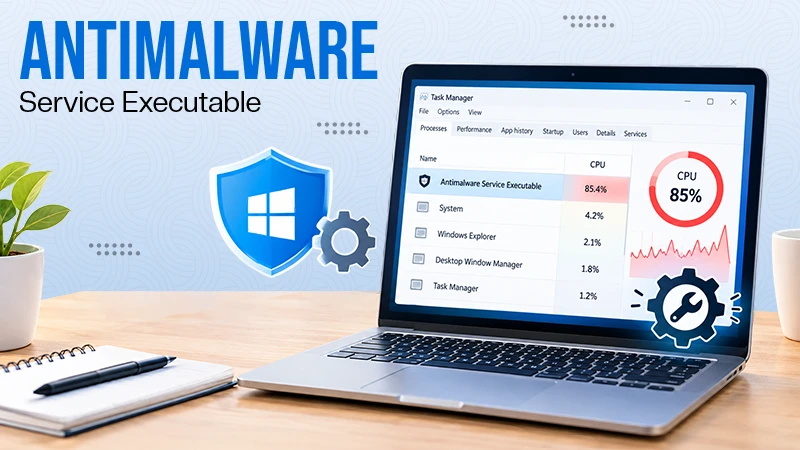
Antimalware Service Executable: What It Is and How to Fix High CPU Usage
You open Task Manager and notice Antimalware Service Executable using a surprising amount of CPU or memory. It may keep…
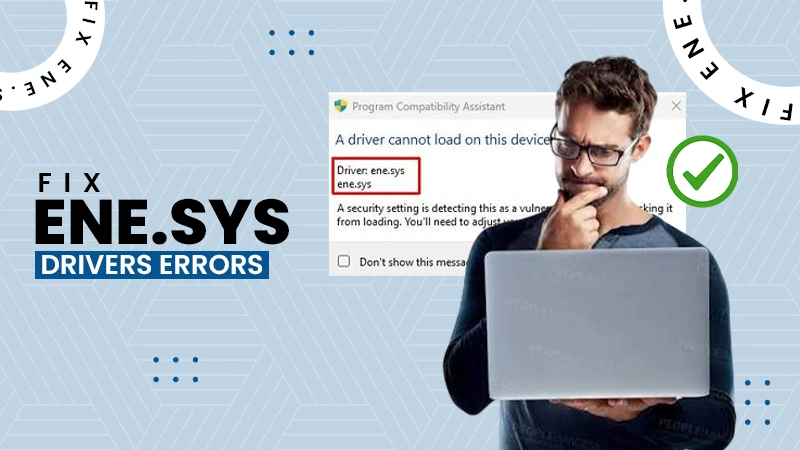
How to Fix the ene.sys Driver Cannot Load Error?
A Windows update can suddenly turn a harmless RGB utility into a startup warning: “A driver cannot load on this…