
Proper record management enables organizations to have quick access to information, minimize errors, and increase efficiency in the workplace.
Simple Ways Better Records Save Time At Work
 Written by Prakhar Shivhare

Good record-keeping will make your work easy, convenient, and efficient. Having organized files and information means that the time you could use looking for what you require in different emails, folders, and documents is saved.
It will be easier for you to act fast, avoid making mistakes again, and do the most important things at work. No matter whether you own a small business or work as part of a big team, more efficient record keeping will help you organize everything better.
KEY TAKEAWAYS
- Organized records help businesses save time by making important information easier to find and reducing unnecessary searches.
- A consistent filing system with clear naming rules helps teams access documents quickly and work more efficiently.
- Identifying common record-keeping problems allows businesses to fix workflow issues before they create bigger delays.
- Small improvements in record management can create long-term benefits, making daily tasks smoother and more productive.
Why Records Matter
If you have poor record-keeping practices, almost all your tasks will take more time than required. A customer calls with a question, and now you’re bouncing between inboxes, shared drives, and paper notes like a confused game show contestant. That wasted time adds up fast.
Good records help you work with less guesswork. You can find order details, contact info, payment history, and job notes without asking three people for help. You will appear as a more prepared person, and honestly speaking, this will make the whole day less irritating.
Good record-keeping helps to avoid mistakes. When information is stored correctly, you’re less likely to send the wrong invoice, miss a deadline, or duplicate an order. Even simple tasks feel easier when everything has a place.
The biggest benefit is that of consistency. With consistent record-keeping in your company, all the tasks will be performed faster. People know where to look, what to update, and how to keep things accurate without turning each task into a mini detective story.
Capture Information Early
The best approach to avoid any record problems is to ensure that the information collected initially is collected correctly. If details are incomplete or scattered across different places, someone will eventually have to stop and fix the mess. That “someone” may be you, and future-you rarely enjoys surprise cleanup duty.
This is where reliable data capture services can make a real difference for businesses that deal with forms, invoices, customer records, receipts, or scanned documents every day. By capturing the right information and entering the same into the system at the right time, you save a lot of time on rework.
Imagine all the emails, paper forms, PDF files, and notes on phone calls that contain crucial information initially. If those details aren’t captured properly, small mistakes can spread into billing, shipping, and reporting. One wrong number can cause a whole parade of headaches.
Getting information right at the beginning keeps later tasks smoother. It’s not flashy, but it’s one of those behind-the-scenes habits that saves time, money, and a lot of unnecessary sighing.
Common Problems To Fix
Most record issues don’t start with giant disasters. They usually begin with small, boring mistakes. A form is missing a phone number. The file is saved with an incorrect client name. Someone uploads the same invoice twice. Tiny problems like these are sneaky little troublemakers.
Unreadable scanned files are another example of problems. If a document is blurry or cut off, people may guess what it says instead of checking. That’s how you end up with the wrong amount, the wrong name, or a very confused customer.
Duplicate entries will also cause you a lot of trouble. You will reach out to the same lead several times, you will ship the duplicate order, and you will get inconsistent reports. It’s like your records are playing practical jokes, except nobody laughs.
The fix starts with noticing patterns. If the same mistakes keep happening, don’t just clean them up one by one. Figure out where they start. Usually, there is one weak link in the process that causes all of those delays.
Make Filing Less Painful
A good filing system doesn’t need to be fancy. In fact, it doesn’t even need to look professional, as long as it makes sense to anyone who has to use it. If your team can’t quickly tell where a file belongs or how it should be named, your folders will turn into digital junk drawers before the week is over.
Start with a simple naming format. Include elements such as date, client, and type of document in the same order. For example, “2026-07-Order-GreenLeaf” is a lot more helpful than “new file 3.” Your future self will thank you.
Avoid creating too many layers of folders because no one wants to go through ten different folders to find what they’re looking for. A few clear categories usually work better than an elaborate maze.
It also helps to set basic rules everyone follows. Decide where final files go, where drafts belong, and how updated versions should be labeled. The goal is not perfection. The goal is to make sure people can find what they need without muttering at their screen.
Help Teams Work Faster
Better records don’t just help one person stay organized. They help the whole team work together without constant backtracking. When information is easy to access and easy to trust, people can move from task to task without stopping to verify every little thing.
Customer service improves right away. If a client asks about an order, your team can respond quickly instead of saying, “Let me check and get back to you.” Fast answers build confidence, and confidence keeps customers calm.
Billing and reporting also get easier. Clean records mean invoices go out on time, numbers line up more often, and fewer mistakes need fixing at the end of the month. That saves time for finance teams and reduces awkward follow-up emails.
It also helps departments stay in sync. Sales, operations, and support often rely on the same information. When records are complete and organized, everyone is working from the same page instead of building plans around half-missing details and crossed fingers.
Start With Small Steps
You don’t need to rebuild your whole system in one dramatic afternoon. In fact, that usually creates more confusion. A better approach is to pick one problem that slows you down often and improve that first.
Maybe you start with file names. Maybe you can fix how customer forms are collected. Maybe you create one shared folder for final documents so nobody has to guess which version is correct. Small changes can have a big effect when they solve repeated problems.
It helps to ask simple questions. Where do mistakes happen most? Which task wastes the most time? What information is hardest to find? The answers will point you toward the changes that matter most.
Once one process gets easier, move to the next. That steady approach is easier for teams to follow and more likely to stick. Better records aren’t about being perfect. They’re about making work easier, faster, and a whole lot less messy.
Conclusion
Proper management of records leads to improved organization and efficiency at work. In cases where there are adequate means to capture, file, and update records, companies are able to avoid mistakes, enhance coordination, and save time, which would otherwise have been wasted looking for information.
Efficient filing, naming, and updating of records become simpler when done consistently and systematically. Small record management problems can be fixed gradually, leading to increased efficiency and effectiveness at work.
Frequently Asked Questions
Why is record management essential in the workplace?
What are some typical challenges in record management within the workplace?
These may include a lack of information, duplicate files, wrong file names, and poor-quality or incomplete scanned documents.
How can organizations improve their filing systems?
They can develop a system for creating file names and organizing folders properly.
How is teamwork enhanced by effective record-keeping?
Effective record keeping will ensure that teams have timely access to accurate information without any conflicts.
Related Posts
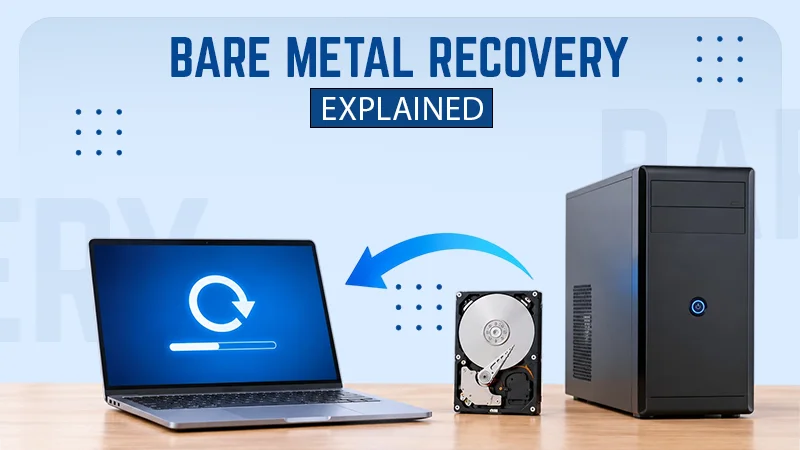
What is Bare Metal Recovery? Meaning, Process, and Benefits
When a computer fails, reinstalling its operating system is only the beginning. You may also need to reinstall applications, restore…

How Long Does Backing Up to iCloud Take? Causes and Fixes for Slow Backups
Is your iCloud backup taking ages? When your backup keeps spinning, it can be hard to tell whether it’s making…
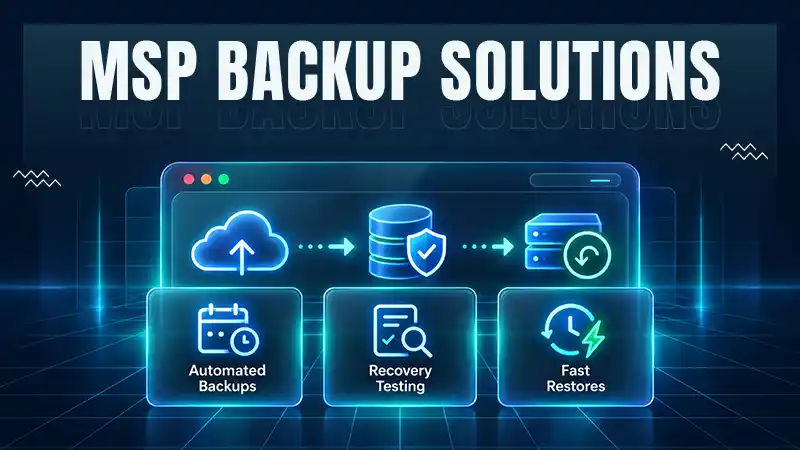
How MSPs Package Backup and Recovery as a Subscription That Actually Restores
An MSP technician checks nightly backup job results across several client accounts Some businesses often try to own a backup.…
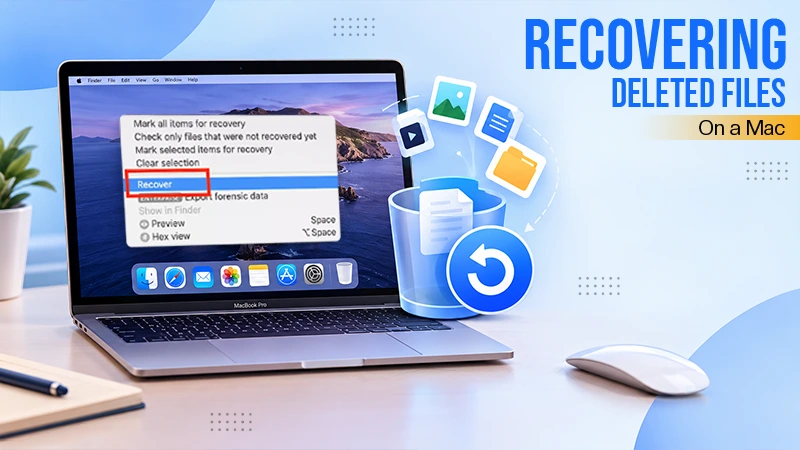
Best Tools for Recovering Deleted Files on a Mac
A wrong click can leave you sinking in grief and sorrow, just because that accidental click has deleted an important…

What to Back Up Before Migrating Your Business to New Software
Software migration hardly results in data loss during migration. It’s possible that you lose the data after a week or…

How Modern Enterprises Are Scaling Infrastructure with Custom AI
For many businesses, AI works as a collection of tiny experiments such as a chatbot, a coding assistant, or sometimes…

VMware vs. Sangfor aSV vs. Nutanix: Which Hypervisor Actually Saves You Money?
Selecting the right hypervisor isn’t simply an issue of technology; it could end up having a significant effect on your…

SD Card Corruption in IoT Devices: Why It Happens So Often and How to…
IoT devices can have good sensors, robust software, and an excellent housing, but all it takes is one small thing…

5 Best SaaS Platforms for Financial Services and Growing Businesses in 2026
In 2026, SaaS platforms have become essential for businesses that want to build smooth processes, automate routine tasks and clarify…